Does one control work while another does nothing?
If the pull chain changes speed while the remote or wall control does nothing, keep testing that control path. That observable split points away from the motor.
When a ceiling fan runs on one speed only, check each control first: wall device, remote, pull chain, and reverse switch. Strong running with no speed change stays on the control path. Humming, weak starts, or push-start behavior means stop and move capacitor diagnosis higher.
Check the split you can prove: strong one-speed running versus humming, weak starts. Test the pull chain, remote receiver, and wall fan control before the motor. If it stalls or needs a push, stop before fan-side diagnosis.
Pick one control path, test it cleanly, then decide whether the failed part is outside the fan or inside the switch housing.
Don’t start with: Do not replace the fan, use a light dimmer as a fan control, or open the canopy until the breaker is off and power is verified.
If the pull chain changes speed while the remote or wall control does nothing, keep testing that control path. That observable split points away from the motor.
Set the fan to a single proper control method. A light dimmer or mismatched wall control can make a good fan act stuck.
The pull-chain speed switch moves up the list, especially when the fan starts strongly and runs cool.
Capacitor evidence is stronger here. Stop forcing the fan, leave it off, and match the exact values before any replacement.
Treat that as a fan-side fault clue, not a workaround. Stop using it until the capacitor or motor circuit is checked.
Stop DIY. Leave the breaker off and have the fan, box, control, and wiring checked safely.
Use the fan, pull chain, and wall control together. The first job is to find which control path is holding the fan at one speed before you open a housing.
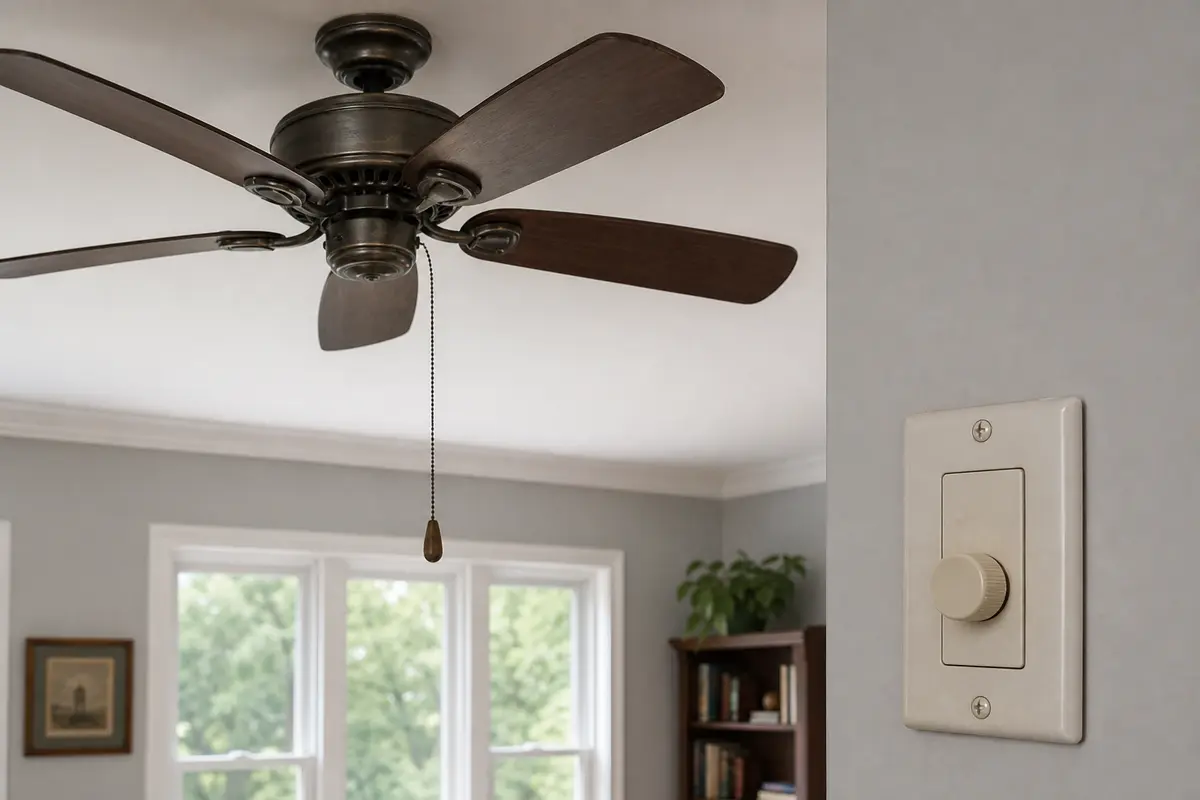
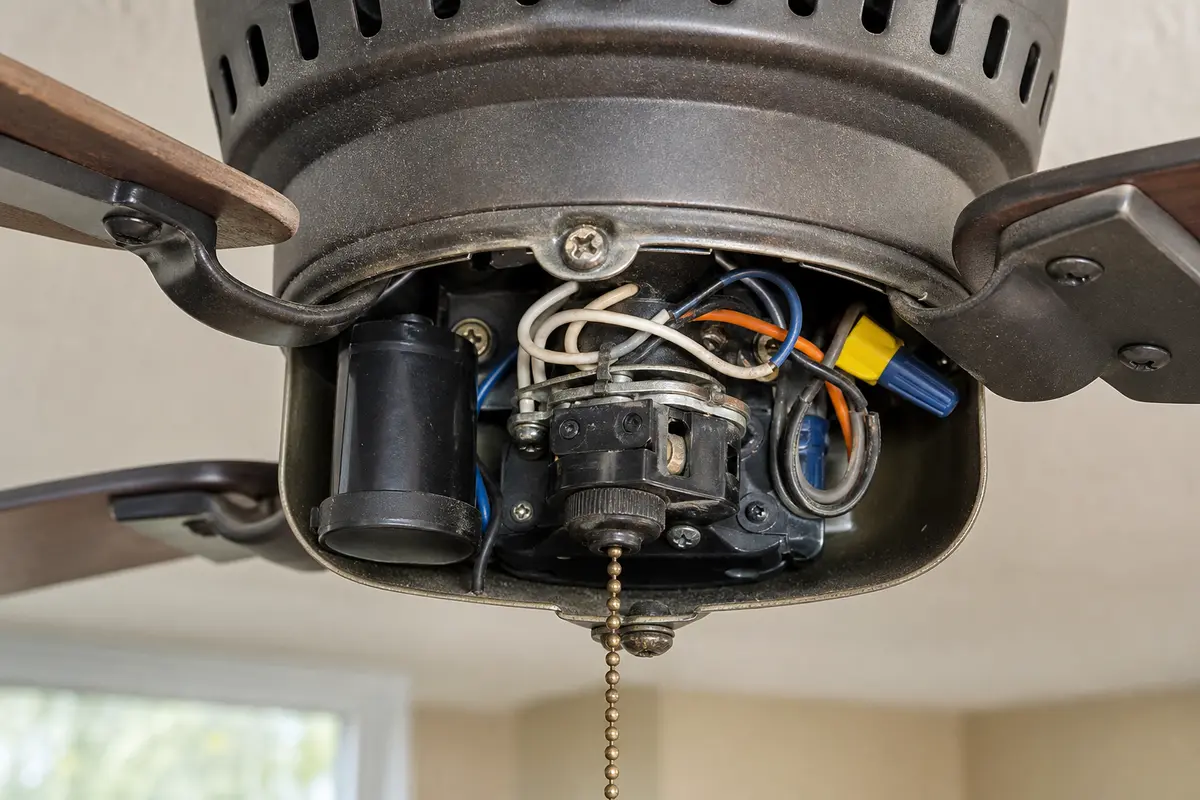
Do not buy parts until one control path or symptom pattern points there. With the breaker off, copy the fan model label if you can find it and photograph every wire before disconnecting anything. Match the part by switch wire count, receiver style, capacitor values, voltage rating, connector shape, and available housing space.
Most one-speed fans are not dead motors. First watch whether the fan starts strongly and ignores speed commands, or hums and struggles on low. That split tells you whether to stay with controls or leave the fan off for fan-side checks.
The expensive mistakes all start the same way: parts get ordered before the control path is proven.
Use the symptom pattern first. The same stuck speed can come from three different places.
| What you see | What it usually means | Next move |
|---|---|---|
| Pull chain changes speed, remote does not | Remote, receiver, battery, pairing, or wall feed is the likely path. | Reset power, replace batteries, then compare receiver behavior before opening fan wiring. |
| Wall control changes nothing, pull chain works | Wall control is wrong, worn, or not meant for this fan setup. | Use a plain on-off feed or proper fan control. Stop for heat, buzz, or uncertain wiring. |
| Every pull-chain click gives the same strong speed | Pull-chain speed switch contacts may be worn. | Document wire positions and replace only with a matching switch after power is verified off. |
| High works, lower speeds hum or stall | Stop using it; capacitor or internal speed circuit is more likely. | Stop forcing the fan and match capacitor values before considering replacement. |
| Fan needs a push to start | Stop using it; capacitor or motor-side failure is likely. | Stop hand-starting it; that is not a repair. |
| Heat, burnt smell, loose canopy, or breaker trip | Safety problem may be in the control, wiring, mount, or fan. | Leave the breaker off and call a licensed electrician or fan tech. |
Start from the room side. These checks separate a bad control setup from a bad part inside the fan.
Open the fan only after the outside controls fail the comparison. The useful clues are visible damage, loose parts, and the exact part layout, not live probing overhead.
These tools support safe inspection and power-off work. They do not make live ceiling fan wiring a DIY job.
Paid links. As an Amazon Associate I earn from qualifying purchases. Repair Riot may earn a commission at no extra cost to you.
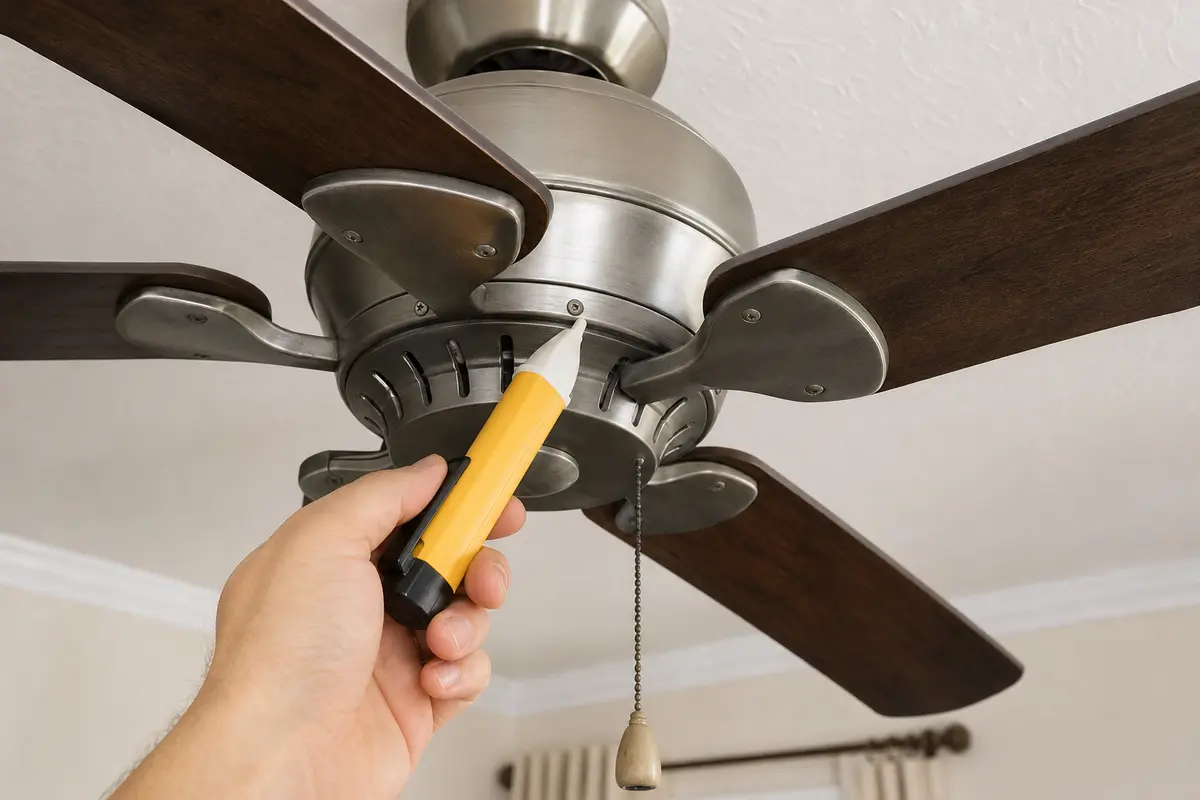
Helps when: Use it after the breaker is off and power off is confirmed, before touching a wall control, fan housing, receiver lead, switch lead, or capacitor wire.
Skip it when: The fan is hot, scorched, loose, or still tests live after the breaker is off; that is an electrician handoff.
Compare voltage testers on Amazon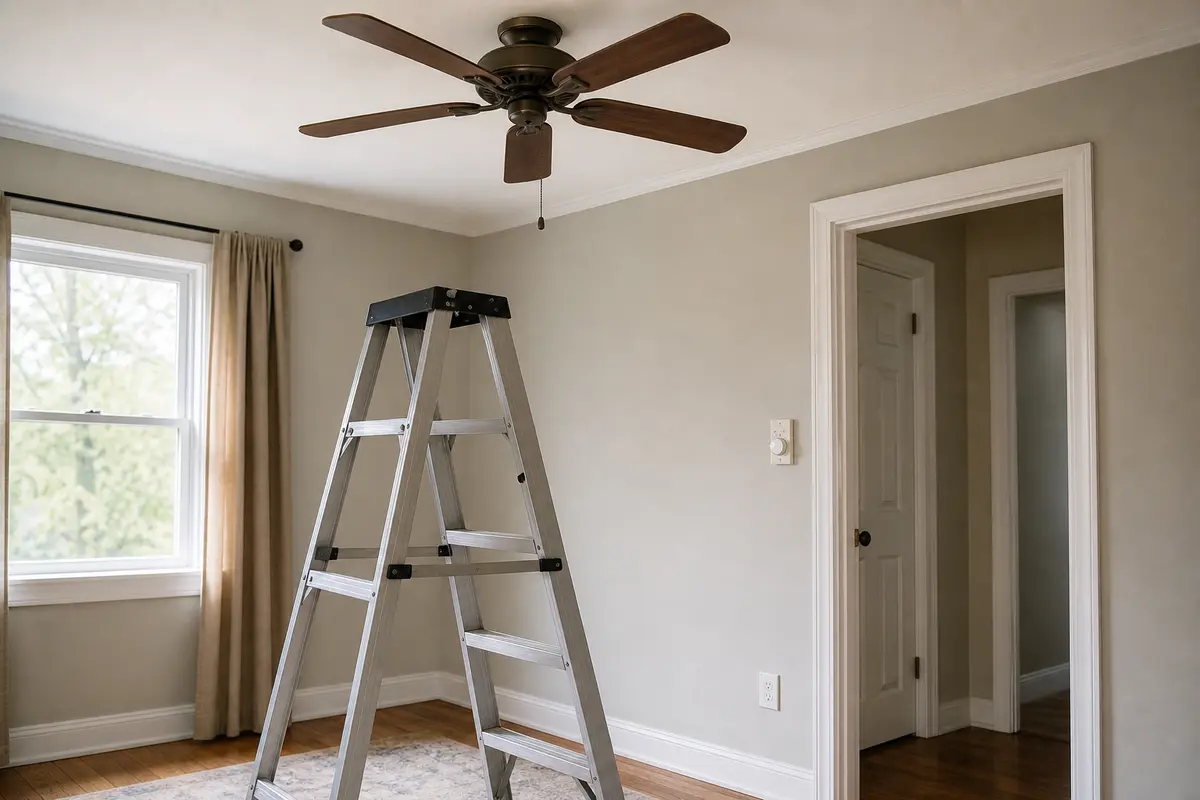
Helps when: Use it when you can stand flat-footed and reach the fan housing without leaning or working from the top step.
Skip it when: The fan is too high, over stairs, over furniture, or positioned where you cannot keep stable footing.
Compare step ladders on Amazon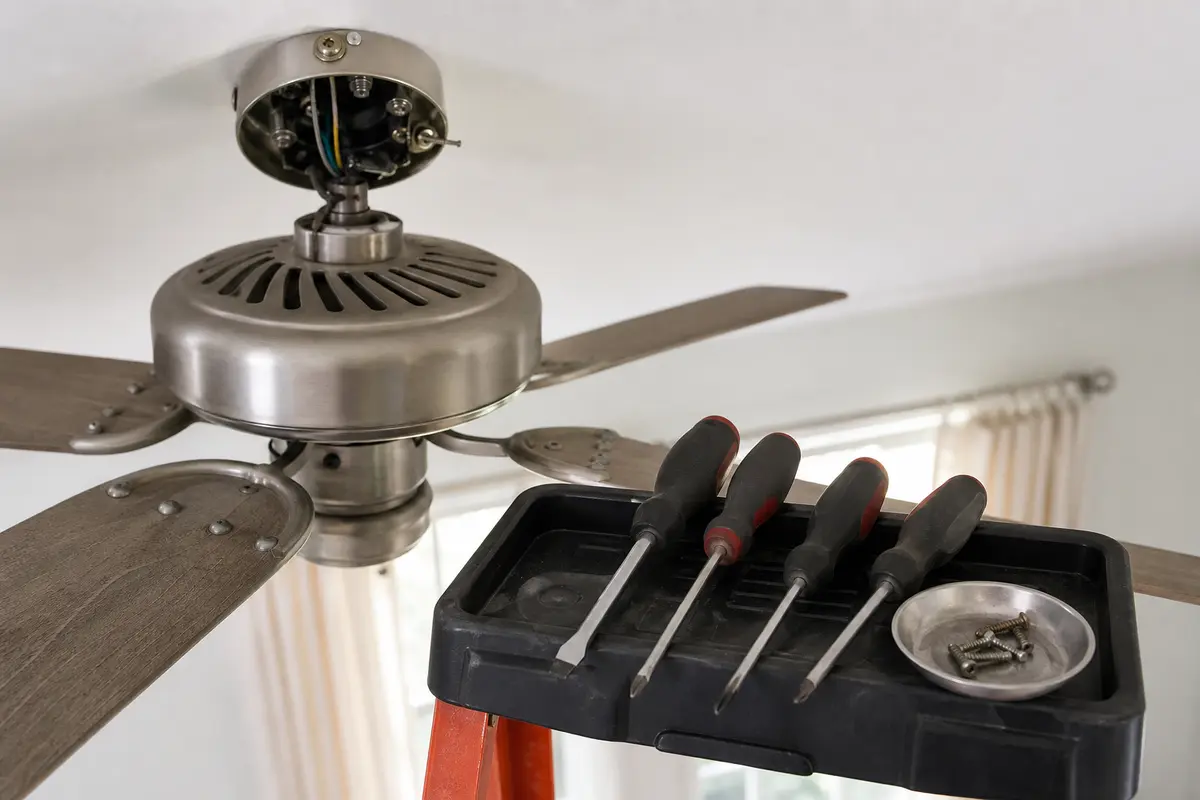
Helps when: Use it for cover plates, canopy screws, and switch housing screws after the fan circuit is off and verified.
Skip it when: Removing the cover would expose wiring you cannot identify or require force around brittle plastic.
Compare screwdriver sets on AmazonParts belong in the cart only after the symptom points there. Ceiling fan switches, receivers, and capacitors are not universal just because they look similar.
Paid links. As an Amazon Associate I earn from qualifying purchases. Repair Riot may earn a commission at no extra cost to you.
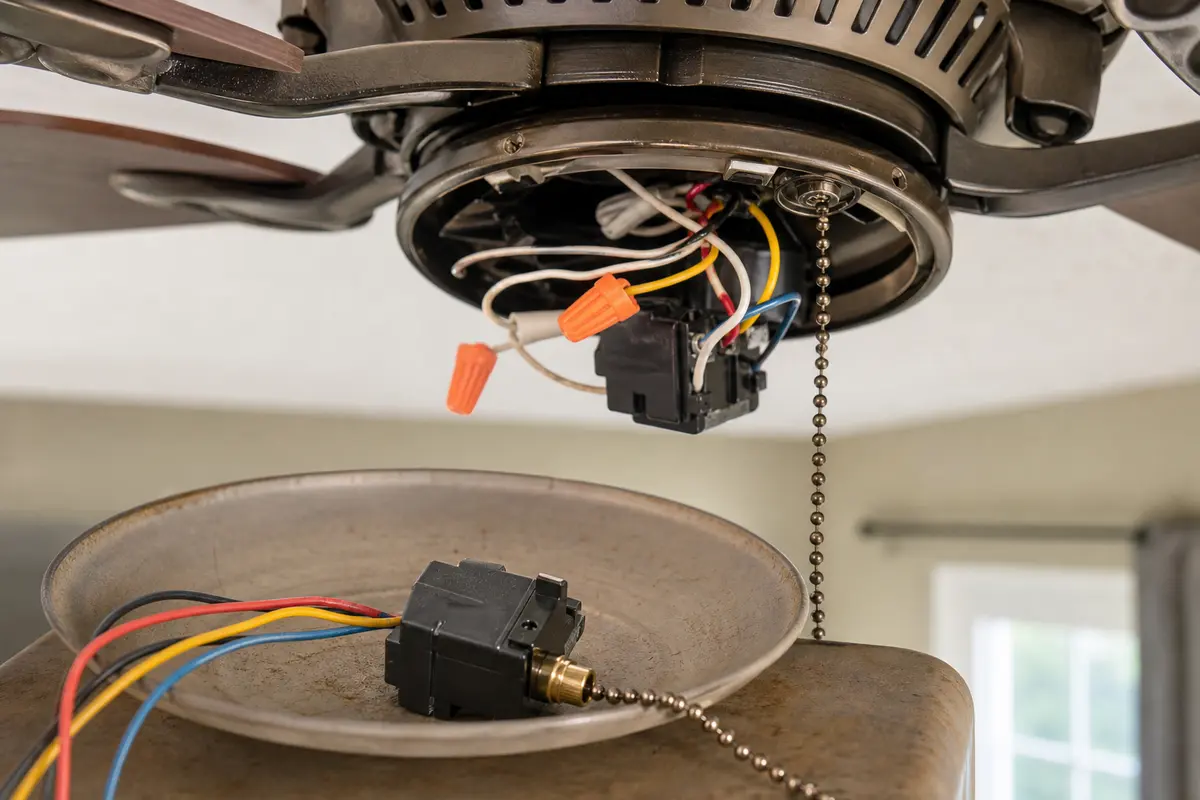
Helps when: The pull chain clicks or feels worn and the fan runs one strong speed after wall control and remote conflicts are ruled out.
Skip it when: Low and medium hum or stall, the fan needs a push, or you cannot match the wire count and switch sequence.
Compare pull-chain switches on Amazon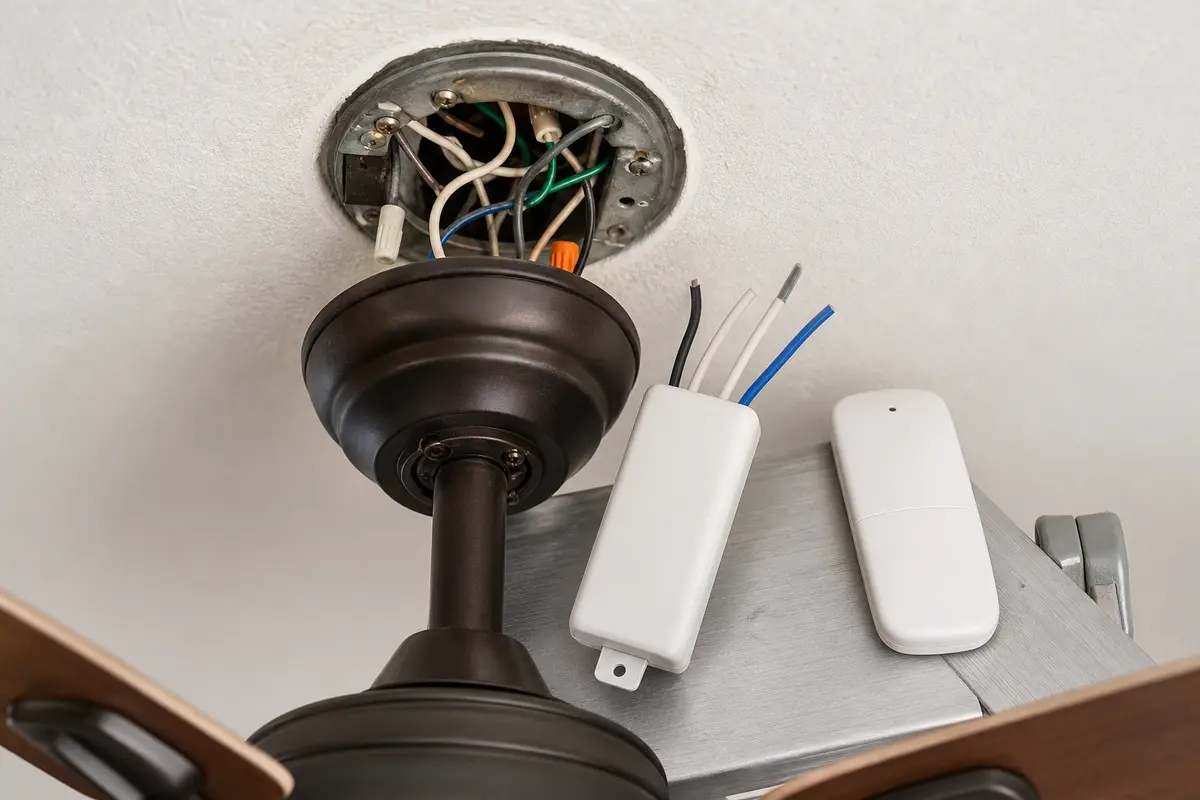
Helps when: The fan changes speed from the pull chain but the remote path will not change speed after fresh batteries and a power reset.
Skip it when: The pull chain also fails to change speed or the receiver will not fit the canopy space and wiring layout.
Compare receiver kits on Amazon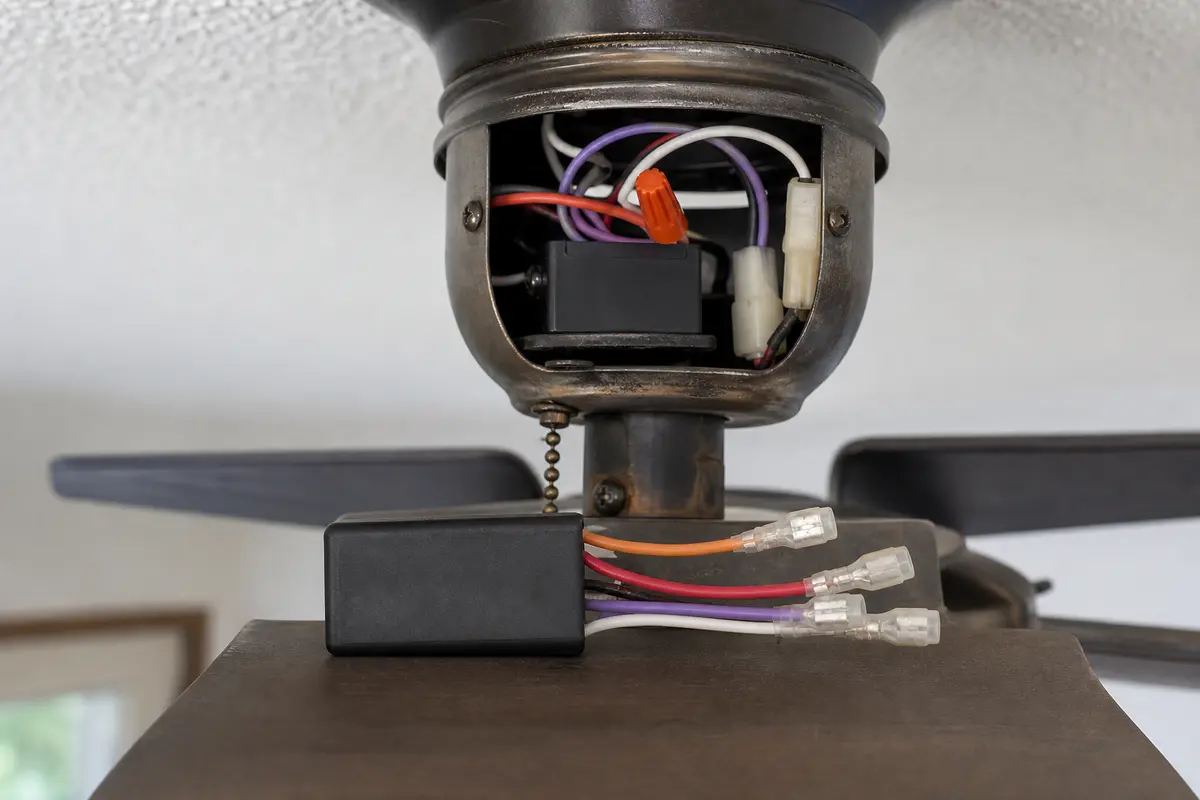
Helps when: The fan hums, starts weakly, needs a push, or loses low and medium after controls and drag are ruled out.
Skip it when: You cannot match microfarad values, voltage rating, wire colors, connector layout, and mounting position exactly.
Compare fan capacitors on AmazonGood notes shorten the diagnosis and keep the next repair from becoming a guess.
If the fan runs high strongly but ignores lower settings, compare the pull chain, wall fan control, and remote first. Humming, stalling, weak low speed, or needing a push moves the capacitor higher; leave it off before any housing work.
Yes. A weak or failed ceiling fan capacitor can leave one usable speed while low or medium hums, crawls, or fails to start. With power off, match capacitor values and wires exactly before any replacement.
No. A regular light dimmer is not a fan motor speed control. It can cause odd speed behavior, buzzing, heat, and control damage. Use a ceiling-fan-rated speed control, a plain on-off switch, or the fan's matched remote system.
Not always. The chain can click while worn contacts fail to select different speed taps. With a plain wall feed on and the fan running normally, test each pull-chain click. Same strong speed every time keeps the pull-chain switch on the suspect list.
Not first. Rule out conflicting controls, a bad wall control, a worn pull-chain switch, a failed receiver, and capacitor symptoms; leave it off before housing work. Full fan replacement makes more sense when the fan is old, noisy, loose, overheated, or still wrong after a confirmed control repair.
If the light responds but fan speed does not, check the remote path first. Install fresh batteries, do one breaker-off reset, then test the pull chain. When the chain changes speed but the remote still does not, compare the receiver or matched remote kit before the motor.
Short use is one thing when the fan runs cool, smooth, and quiet. Stop using it when it hums hard, smells hot, wobbles badly, needs a push to start, or the wall control feels warm. Check for that original clue before you turn it back on.
On many fans it sits in the lower switch housing or in the speed-control area with the pull-chain switch. Some remote fans route speed through a receiver instead. Turn the breaker off and verify power is off before opening any housing.
A plain light dimmer, a hot or buzzing wall control, or a control that behaves differently from the pull chain is a strong clue. With the fan on a proper plain switch or matched fan control, speed should be handled by one control path at a time.
No. If you see the blades sit still until you push them, treat that as a fault clue, usually capacitor or motor-side trouble. Do not keep hand-starting it. With power off, check the control path and failed speed circuit before running it again.
Repair Riot built this page around visible homeowner checks: compare which control changes speed, listen for hums or weak starts, and stop before live electrical or unstable ladder work.