Does it shut off within a few seconds?
Check bucket seating, the float, and the bucket switch area first. The control may think the bucket is missing or full.
When a dehumidifier turns on and shuts off, watch when it quits. If it stops within seconds or shows a full-bucket light, check the bucket and float first. If it runs a few minutes, clean the filter, open airflow, and lower the humidity setting.
A crooked bucket, stuck float, satisfied humidity setting, dirty filter, or blocked intake is more likely than a failed compressor.
This is a control-and-airflow diagnosis. A machine that runs after the bucket seats squarely or the filter is cleaned was not asking for expensive parts.
Don’t start with: Do not buy a fan, pump, board, or compressor-related part from this symptom alone. Prove the bucket, float, and airflow checks first.
Check bucket seating, the float, and the bucket switch area first. The control may think the bucket is missing or full.
Lower the humidity target and test in a damp room. It may be satisfied instead of broken.
Clean and dry the filter, vacuum the grille, and give the unit clearance before buying parts.
The bucket switch, water level switch, bucket rails, or actuator alignment moves up the list.
Stop DIY diagnosis. That points beyond normal bucket, float, filter, and setting checks.
The machine is often protecting itself or reporting a bucket/airflow condition. Confirm the basics before you move to expensive replacements.
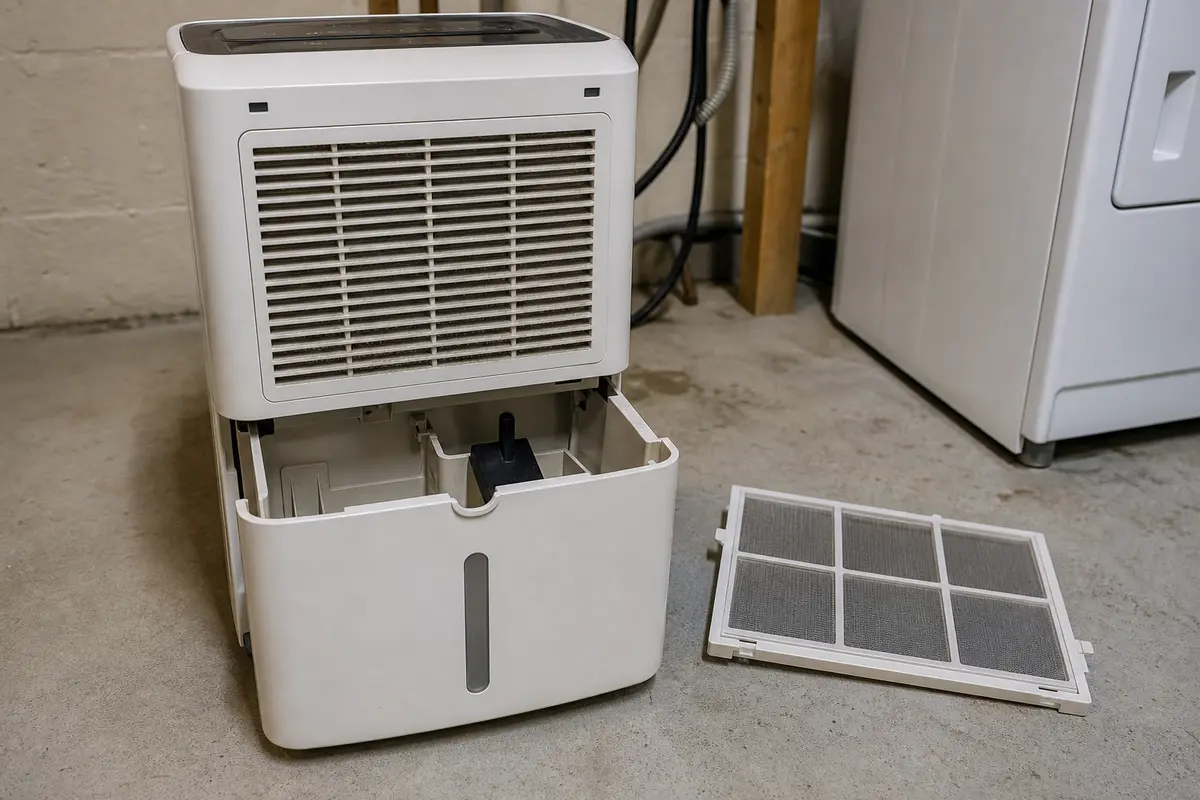
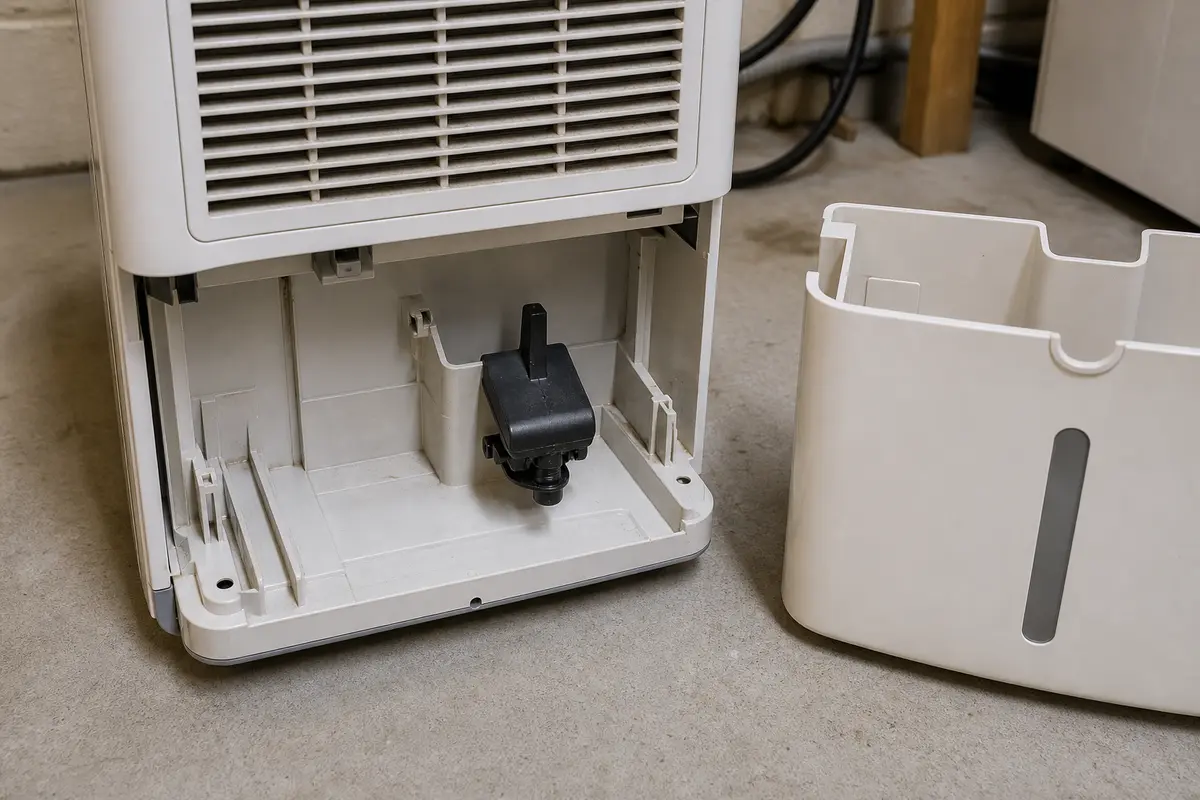
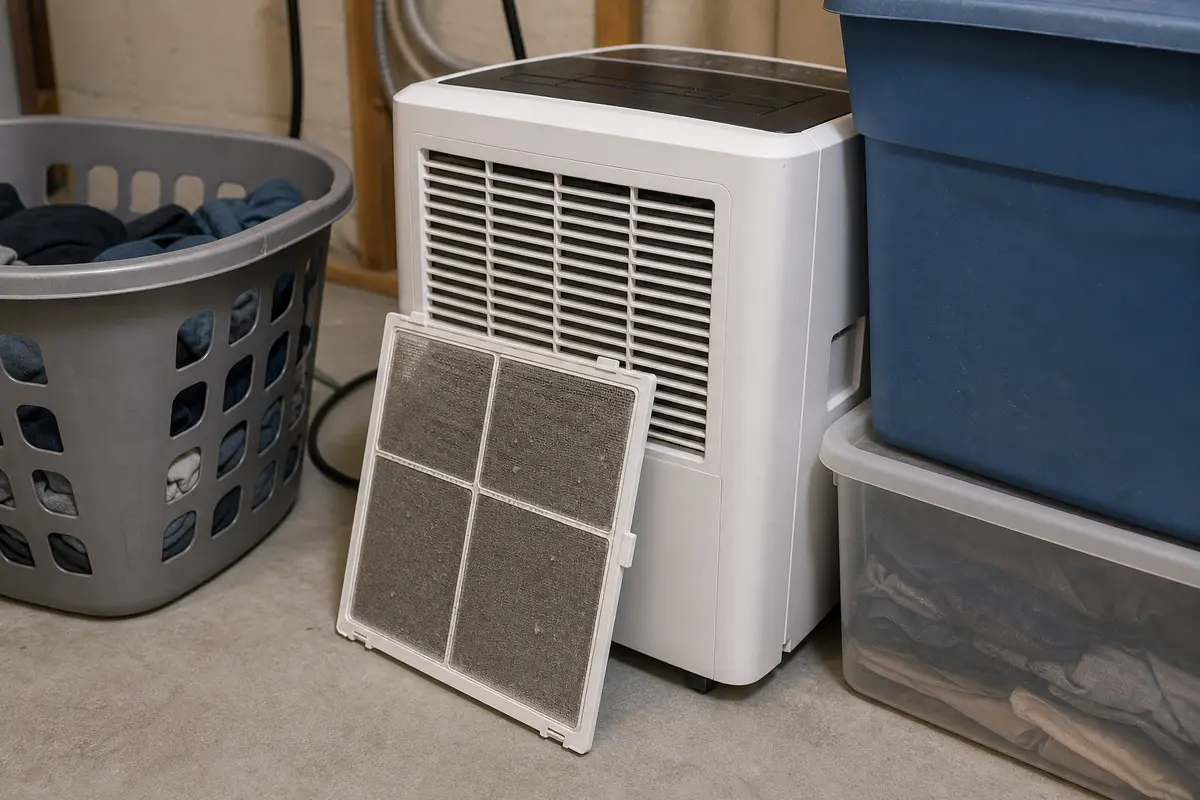
Do not order a fan, pump, control board, or compressor-related part because the unit short-cycles. Buy a filter only when the existing filter is damaged, warped, or stays clogged after cleaning. Buy a bucket or water-level switch only when the bucket seats correctly, the float moves freely, the false full-bucket behavior is repeatable, and the part matches your exact model tag, connector, mount, and actuator position.
A dehumidifier that stops after a few seconds is usually reacting to a control condition. A unit that runs for several minutes before stopping needs airflow, room condition, and ice checks too.
Short cycling tempts people into buying internal parts. Stay with the visible checks first, because the bucket, float, setting, and airflow path can shut the unit down before a major component ever gets a fair test.
The bucket area is the first place to slow down. A dehumidifier is designed to shut off when it thinks the bucket is full, missing, crooked, or not pressing the switch correctly.
A dirty filter or blocked intake can make a good dehumidifier act unreliable. It may start, run rough, ice up, or stop before it removes much water.
Use one controlled test after the bucket, filter, and setting checks. The result decides whether this stays a simple homeowner repair.
| What happens | What it usually means | Next move |
|---|---|---|
| Runs after the bucket is reseated | Bucket alignment or float position was the shutdown trigger. | Clean the bucket area and check the rails before buying parts. |
| Full-bucket light appears with an empty bucket | Float, actuator, bucket switch, or water-level switch may be misreading. | Inspect the switch area with power disconnected and match parts only after the symptom repeats. |
| Runs after filter cleaning and clearance changes | Airflow restriction was likely causing early shutdown or poor operation. | Keep the filter clean and replace it only if damaged or still clogged. |
| Stops with ice behind the filter | Cold room, airflow restriction, or deeper cooling-side trouble may be involved. | Unplug it, let it thaw, and stop if ice returns after normal airflow is restored. |
| Stops with hot smell, buzzing, or breaker trip | Electrical or internal component trouble is possible. | Unplug the unit and stop DIY troubleshooting. |
These are for basic cleaning, filter access, and safe visual checks. Skip any step that requires live testing or opening sealed electrical sections.
Paid links. As an Amazon Associate I earn from qualifying purchases. Repair Riot may earn a commission at no extra cost to you.
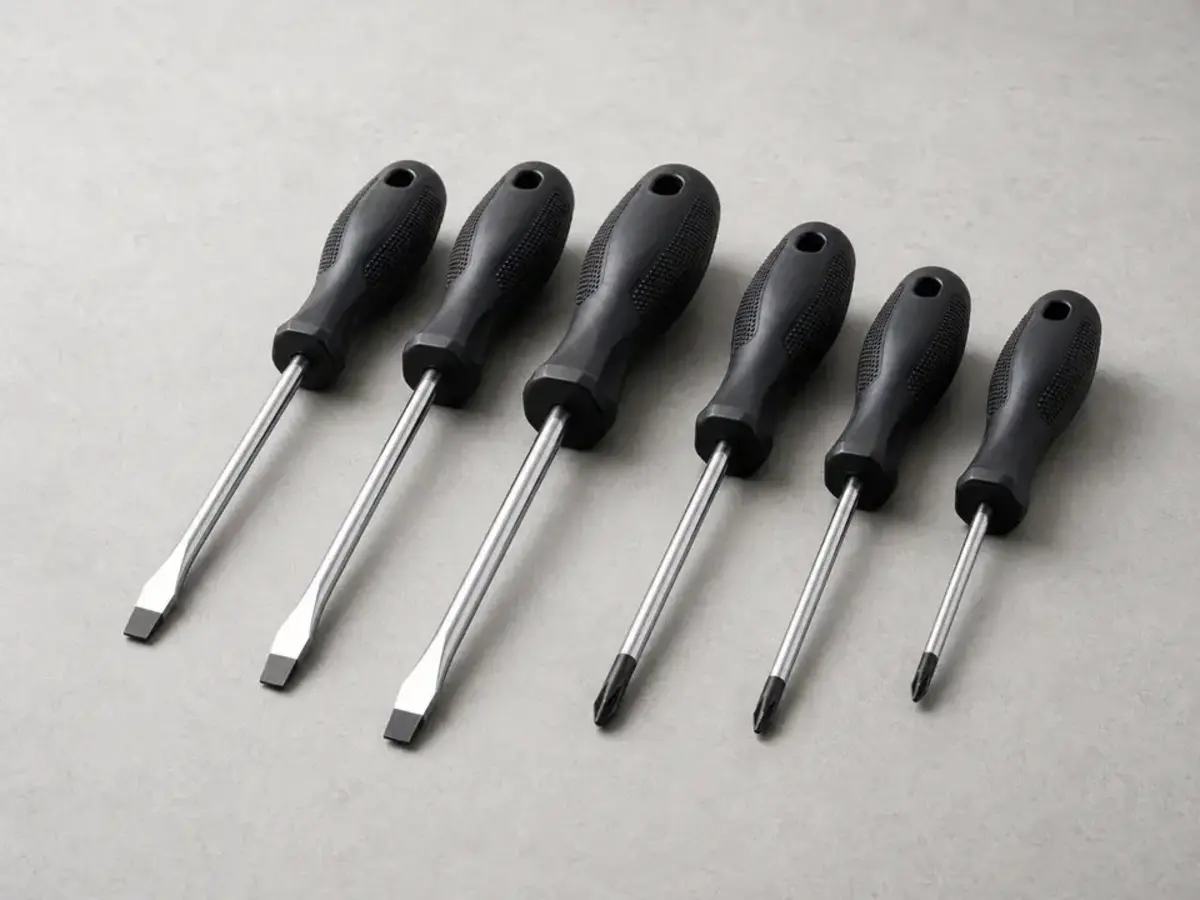
Helps when: Useful for normal filter covers or simple access panels on some dehumidifiers after the unit is unplugged.
Skip it when: Do not use it to open sealed electrical compartments or probe wiring.
Compare Phillips screwdrivers on Amazon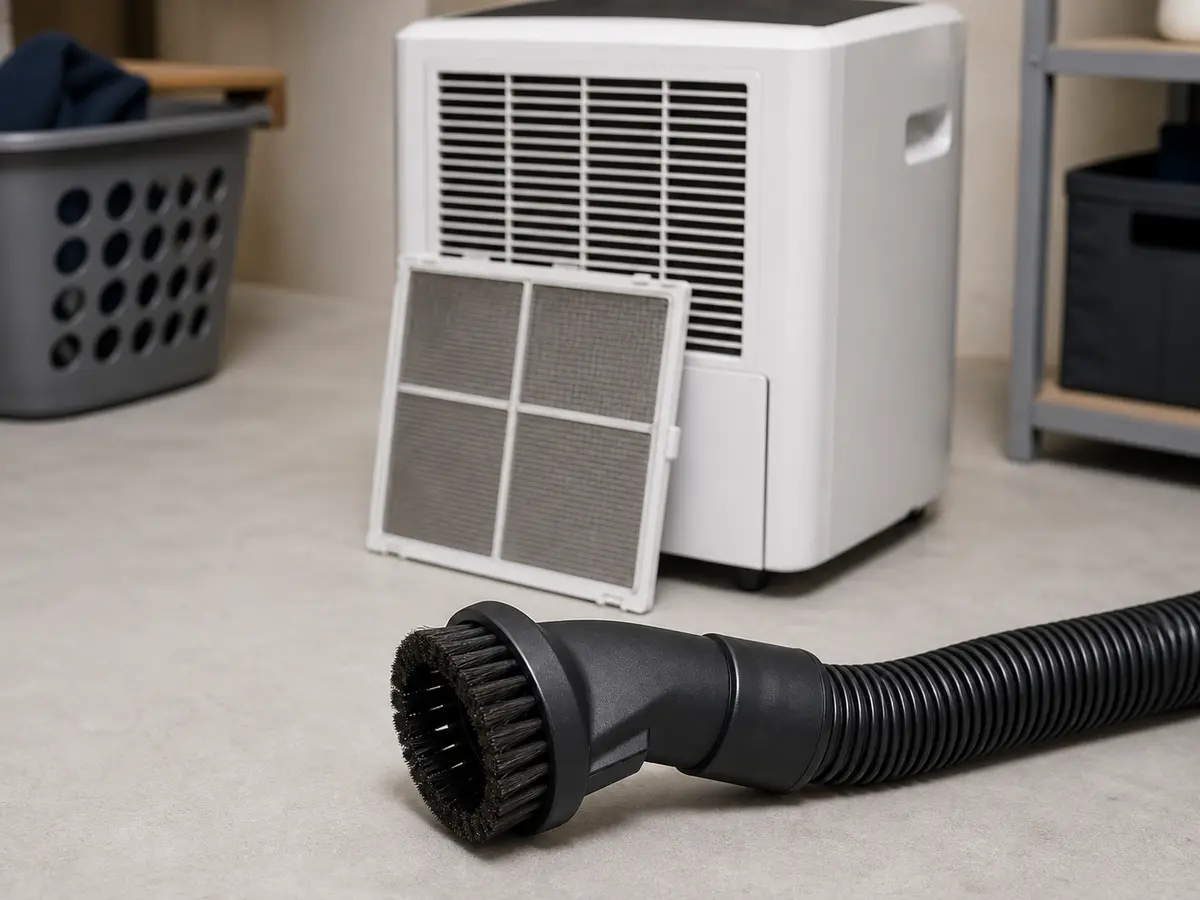
Helps when: Use it to remove dust from the intake grille, filter area, and nearby floor without pushing debris deeper.
Skip it when: Skip deep cabinet cleaning if you cannot reach the dust without disassembly.
Compare vacuum brush attachments on Amazon
Helps when: Use these to clean the bucket, float, and plastic contact areas without spraying cleaner into the controls.
Skip it when: Do not use harsh cleaners or soak any switch, cord, plug, or control area.
Compare cleaning cloths on AmazonOnly buy parts after the symptom points to them. This page supports filter and bucket-sensing parts; it does not support guessing at sealed-system or compressor repairs.
Paid links. As an Amazon Associate I earn from qualifying purchases. Repair Riot may earn a commission at no extra cost to you.
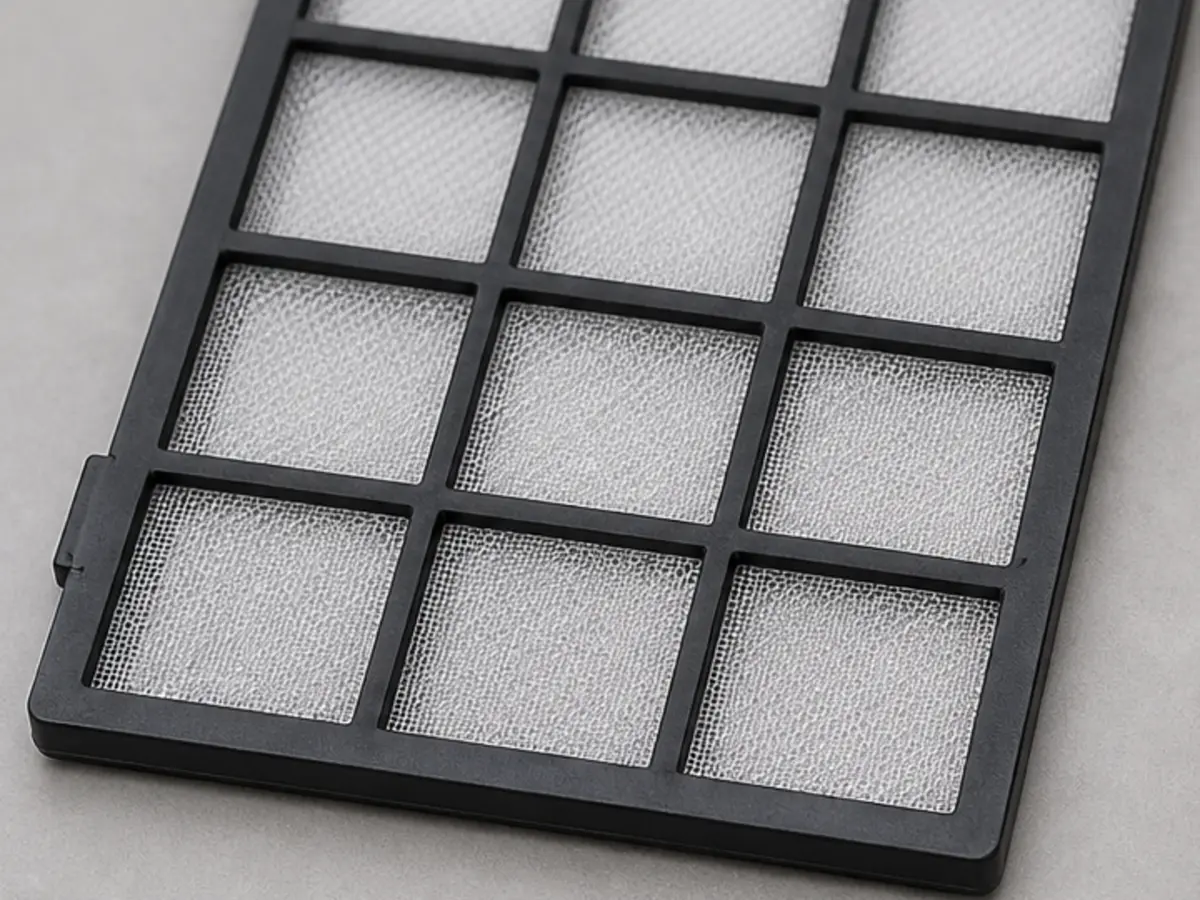
Helps when: The old filter is damaged, warped, or still clogged after cleaning.
Skip it when: The filter is clean, dry, flat, and the shutdown happens with a full-bucket signal.
Compare dehumidifier filters on Amazon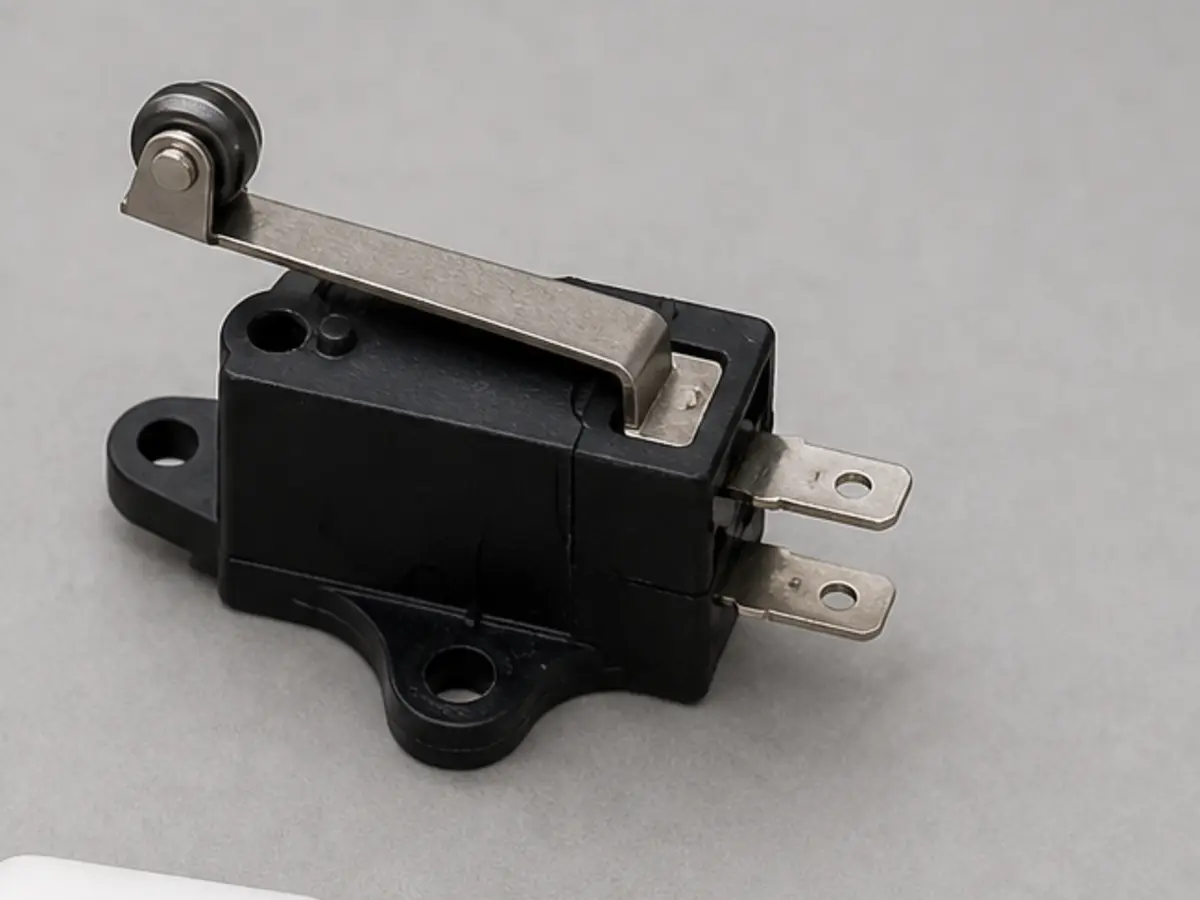
Helps when: The bucket seats correctly, but holding it inward or adjusting the actuator changes whether the unit runs.
Skip it when: The bucket is cracked, crooked, or the rails are damaged enough that a switch would not solve the seating problem.
Compare bucket switches on Amazon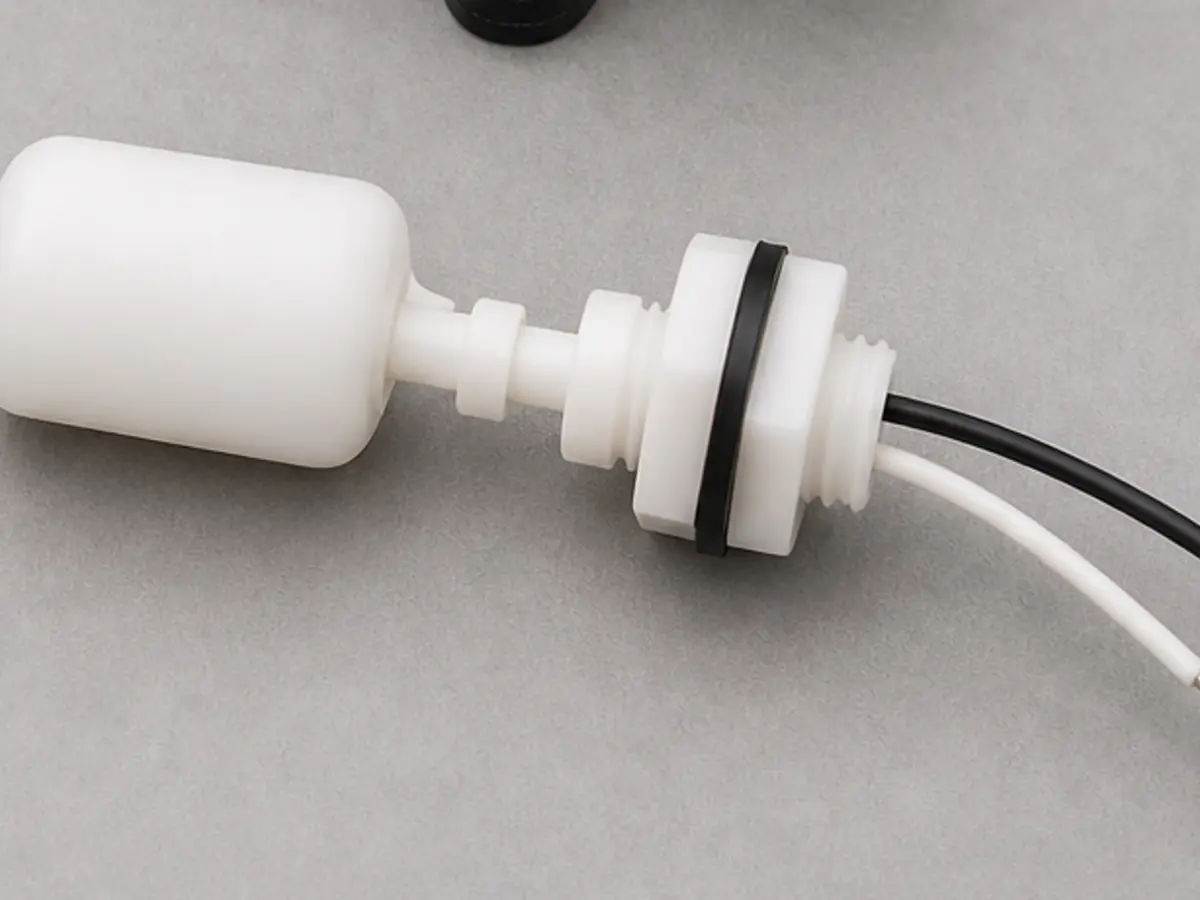
Helps when: The float moves freely but the machine still reports full-bucket behavior with an empty bucket.
Skip it when: The float is dirty, stuck, broken, or installed wrong.
Compare water level switches on AmazonMost often, the bucket is not seated correctly, the float is stuck, or the machine thinks the bucket is full. A satisfied humidity setting can also make it start briefly and stop normally.
Yes. A clogged dehumidifier air filter can choke airflow enough to make the unit run poorly, ice up, or shut down early. Clean the filter before you assume a bigger failure.
If the bucket is fully seated, the float moves freely, and the unit still behaves like the bucket is missing or full, the dehumidifier bucket switch or water level switch is a strong suspect. A useful clue is when gently holding the bucket firmly in place keeps the unit running.
Sometimes, yes. If the room is already near the set humidity, the unit may not need a long run. If it shuts off in a damp room and never starts collecting water, that is not normal.
Not first. On this symptom, bucket, float, setting, and filter problems are more common. Also, fan and pump parts are not good early guess-and-buy choices unless you have stronger proof from noise, no airflow, or a separate drain problem.
That usually means the bucket is not pressing the switch consistently. Check the bucket rails, front seating tabs, float position, and switch actuator before ordering a replacement switch.
Yes. Many portable dehumidifiers do not work well in cold basements. If the room is cool and the coil area ices up, unplug the unit, let it thaw, restore airflow, and stop if ice comes back.
Stop when the plug gets hot, the unit trips power, smells electrical, buzzes hard, overheats, or needs live electrical testing. Those are not normal bucket and filter checks.
Repair Riot built this page around safe outside checks: bucket seating, float movement, filter airflow, humidistat behavior, and visible frost or drainage clues before any parts buying.