Any heat, moisture, odor, noise, damage, or repeat breaker trip?
Turn the breaker off and stop. The circuit needs an electrician before another reset.
Press RESET once. If power stays off, reset the correct breaker once and check the other GFCIs you can reach. If none restores power, call an electrician.
Test a nearby outlet with a small lamp. If several outlets or lights are dead, the problem is probably earlier in the circuit, not this GFCI.
Indicator lights vary by model, so a dark light does not prove the GFCI has failed.
Don’t start with: Do not remove the cover, touch wiring, or buy a new GFCI based only on the indicator light.
Turn the breaker off and stop. The circuit needs an electrician before another reset.
Use the GFCI's TEST and RESET buttons as its instructions specify, then confirm with a small lamp. If it trips again, stop.
Reset the labeled breaker once and check accessible upstream GFCIs in bathrooms, garage, basement, kitchen, and outdoors.
Stop here and call an electrician. The light alone cannot tell you whether the GFCI is bad or power is missing somewhere else.
The first image shows the external reset path. The second shows conditions that end DIY immediately.
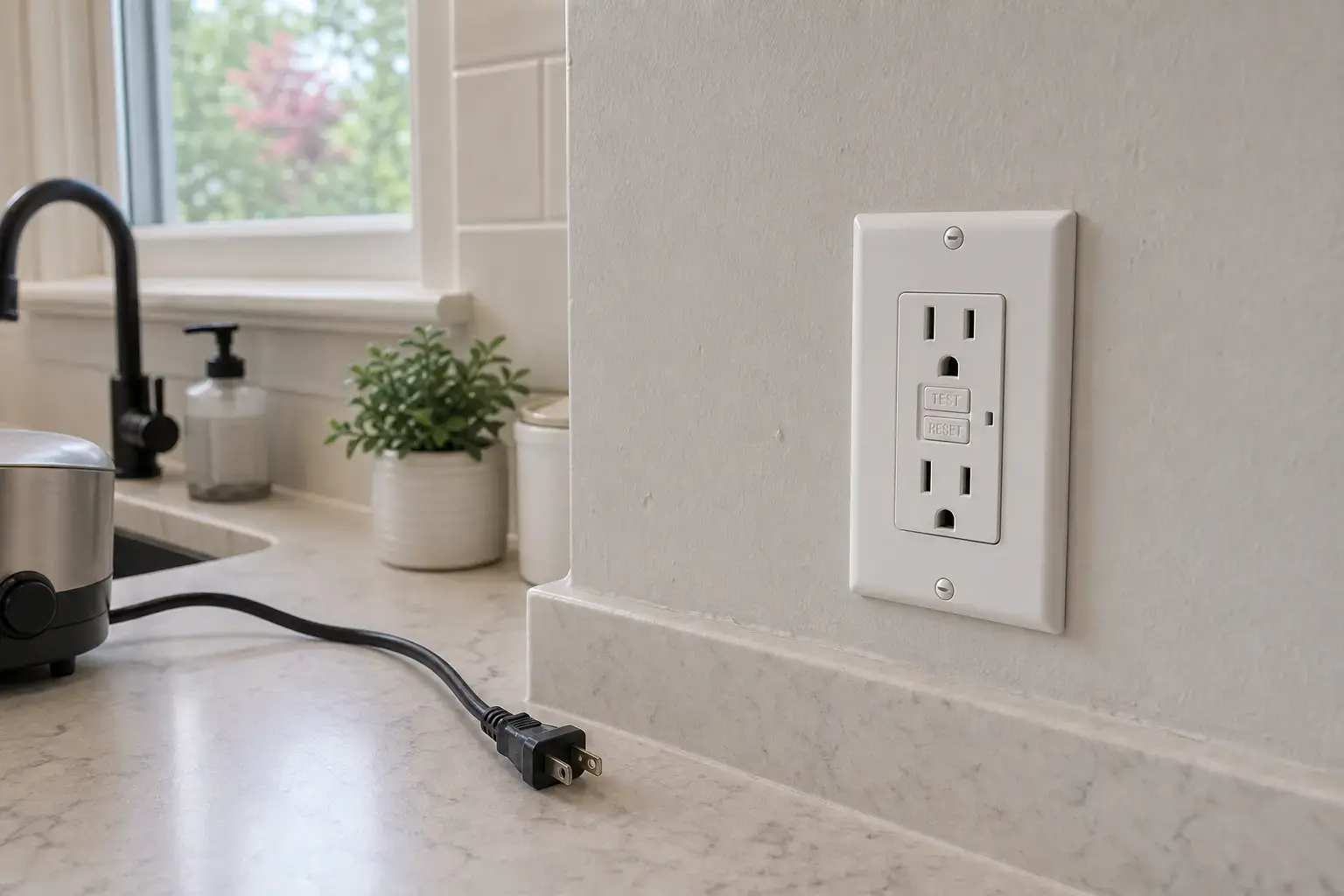
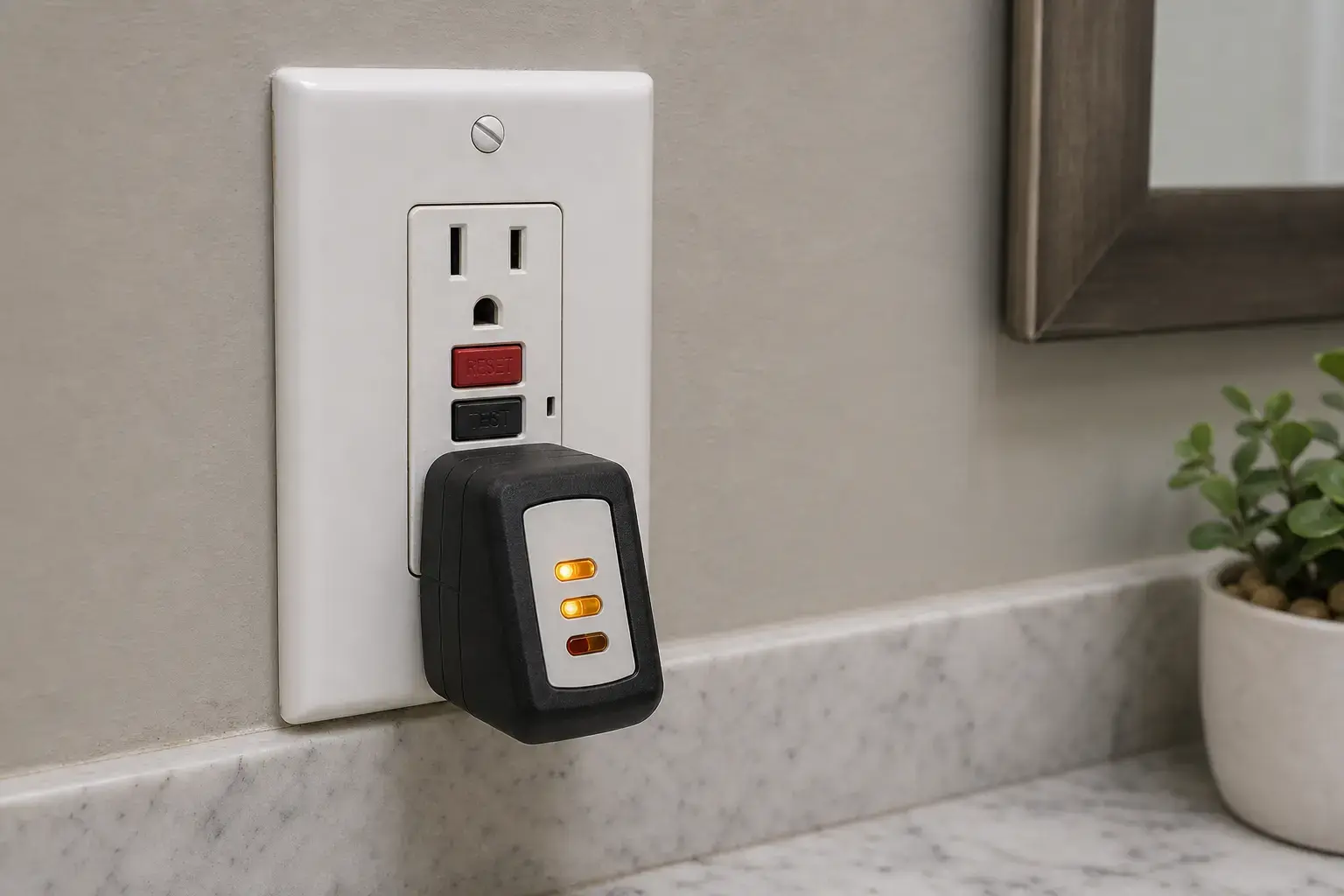
Record the exact device model, location, weather exposure, circuit rating, which other loads are dead, reset behavior, breaker behavior, and any moisture or damage. A replacement belongs in the cart only after diagnosis confirms the receptacle and an exact rated match.
The light is helpful only when you know what it means for that exact GFCI.
You can do this from the front without removing any covers.
A tripped breaker may not look fully off, so reset it with one clear off-and-on movement.
A GFCI in another room may also control this dead outlet.
If the simple resets do not work, the next checks involve wiring and should be done by an electrician.
Buy a replacement only after an electrician confirms the GFCI itself has failed and identifies the correct type and rating.
Paid links. As an Amazon Associate I earn from qualifying purchases. Repair Riot may earn a commission at no extra cost to you.
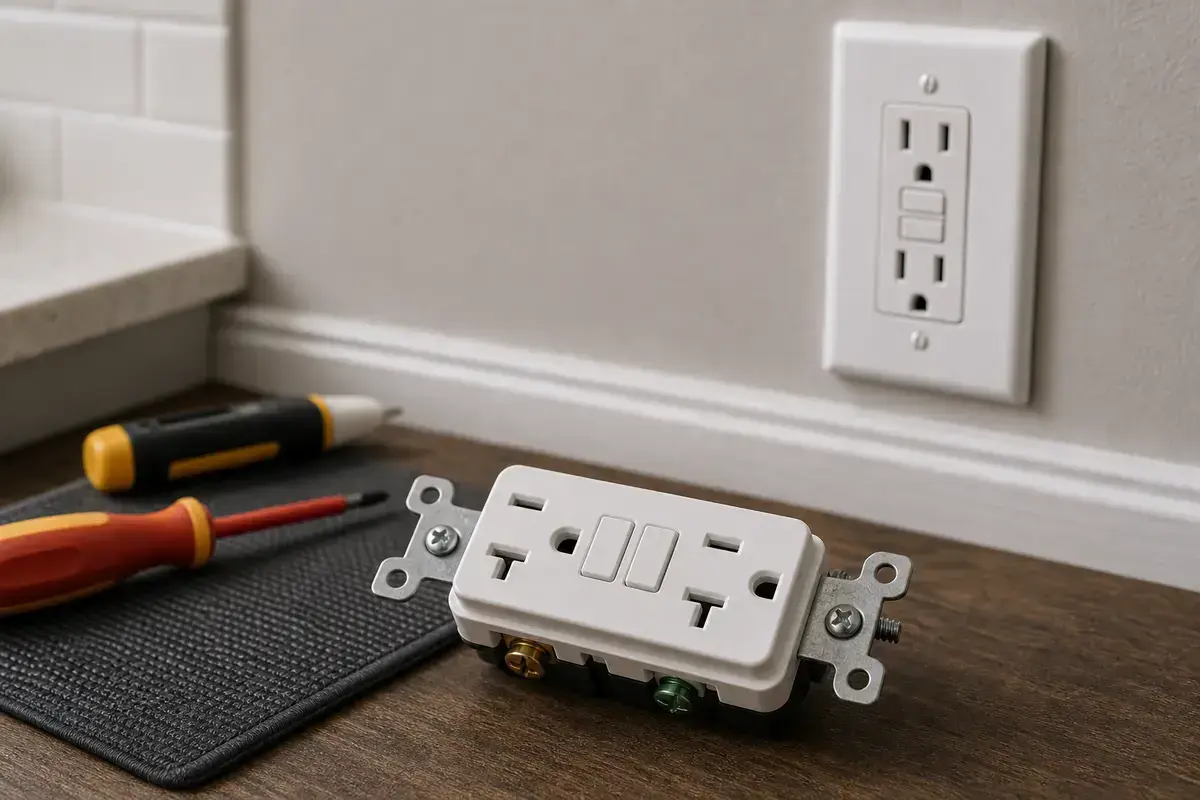
Helps when: An electrician confirms the device failed and the replacement matches circuit rating, device class, configuration, and box conditions.
Skip it when: Skip when incoming power is absent, moisture is present, or the circuit fault is unresolved.
Find exact-rated GFCI receptacles on Amazon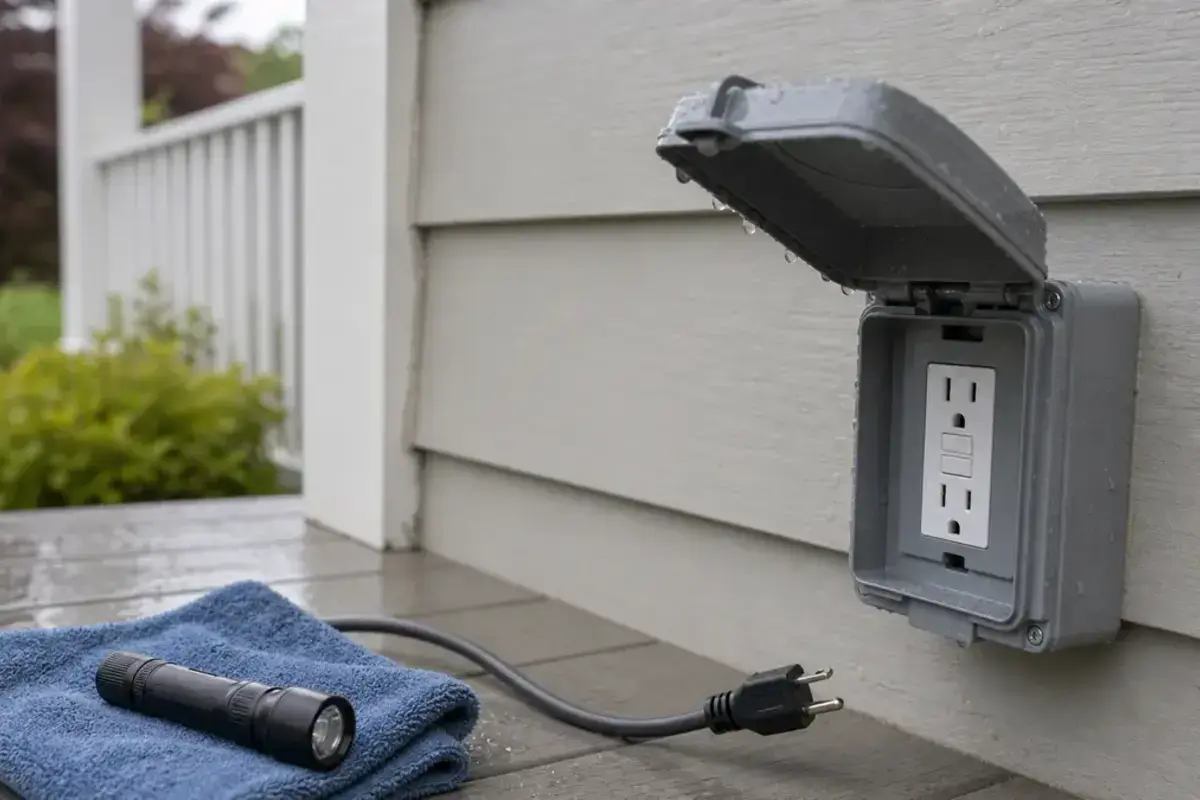
Helps when: The confirmed failed device is in a location that requires a weather-resistant replacement and the enclosure is also suitable.
Skip it when: Skip for indoor-only locations or when water intrusion and the cover problem remain unresolved.
Find weather-resistant GFCI receptacles on AmazonIt may be tripped, unpowered, or failed; the LED meaning depends on the model. Try one external reset, one breaker reset, and accessible upstream GFCIs. If it stays dead, electrical diagnosis is the next step.
No. The lights mean different things on different models. A dark light can mean the GFCI tripped, lost power, or failed. Check the instructions printed on the device or in its manual.
Yes. A downstream GFCI can lose power if an upstream GFCI trips or loses feed. That is common in bathrooms, garages, exterior outlets, and some kitchen circuits.
A reset button that will not stay in does not tell you which part is bad. The outlet may have lost power, detected another fault, become wet, or failed. Do not force the button or remove the cover; call an electrician after the simple reset checks.
Not as a first move. A breaker can trip, but breaker replacement is not casual DIY. Reset it properly once. If it will not hold or trips again, leave it off and have the circuit diagnosed.
Moisture in the box, a wet cover, or an upstream GFCI trip is common. Let the area dry, keep the breaker off if the box is wet, and inspect for water intrusion before restoring power.
This page does not recommend exposed live testing. After the front-panel, breaker, and accessible upstream checks, an electrician should verify incoming power and device condition with appropriate equipment and procedures.
Follow the device instructions: press TEST, confirm power turns off, press RESET, and confirm power returns with a small lamp. Stop if it will not test, will not reset, or trips again.
Indicator lights and reset behavior vary by model. Manufacturer instructions control the meaning of the status light and the correct TEST/RESET sequence.