Make sure the filter is the fix
A filter is the cheap, sensible first check when airflow is weak. It is not a cure-all for a bad fan, frozen coil, full bucket switch, or refrigerant problem.
Good filter-replacement signs
Look for: The filter is gray with dust, torn, warped, greasy, brittle, or still looks plugged after cleaning.
Choose another repair if: Replace the filter, clean the intake area, and retest airflow before opening the cabinet.
Cleanable versus disposable
Look for: A washable screen can be rinsed and dried if it is intact. A disposable media filter should be replaced, not soaked until it falls apart.
Choose another repair if: Check the filter frame or manual if you are not sure which style you have.
When the filter is not enough
Look for: The new filter fits and airflow is still weak, the fan is noisy, the coil is iced over, or the bucket fills slowly in a damp room.
Choose another repair if: Look for a blocked grille, dirty coil face, fan problem, bucket switch issue, or drainage problem instead of buying another filter.
Safety first
- Unplug the dehumidifier before removing the filter or opening any access panel.
- Keep water and wet cloths away from electrical parts inside the cabinet.
- Do not force plastic covers or filter frames; they can crack easily.
- If you notice a burning smell, damaged wiring, or water near electrical components, stop and address that problem before using the unit again.
Step-by-step fix
Step 1: Make sure the filter is the right repair
- Check the complaint first: weak air from the outlet, a dusty intake grille, longer run times, poor water collection, or a unit that frosts because air is not moving well.
- Open the filter access area and inspect the filter in good light. Replace it if it is torn, warped, brittle, badly clogged, greasy, or still looks blocked after cleaning.
- Confirm whether your filter is washable or disposable. Washable mesh should be rinsed and dried; disposable media should be replaced.
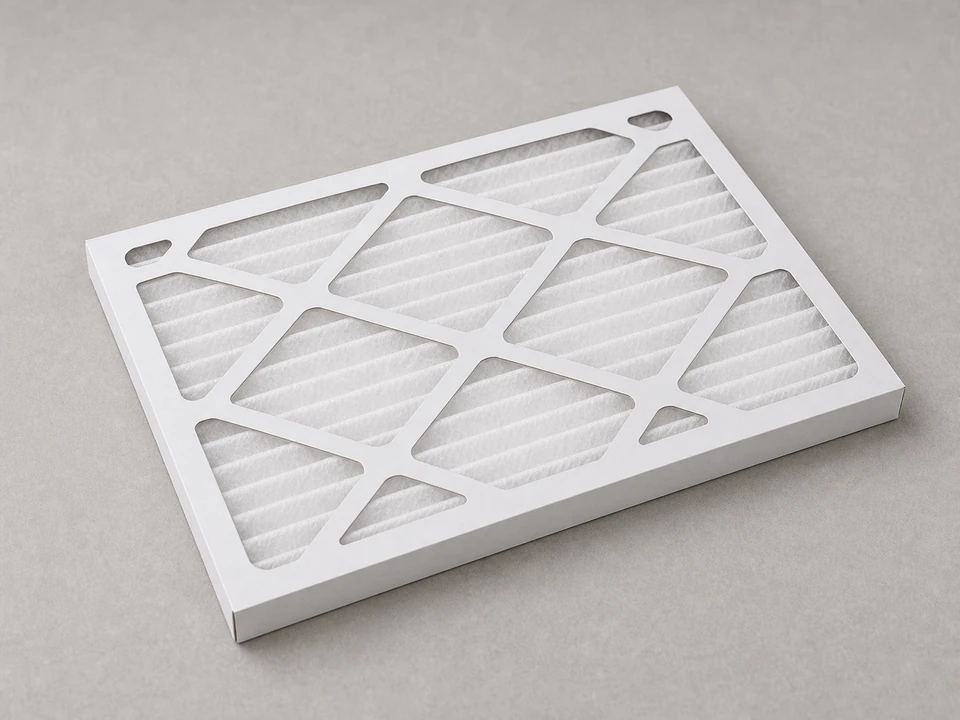
- Compare the old filter to the new one before you start. Match the model number if you can, then check size, thickness, frame style, tab location, and airflow direction.
If it works: You have a filter problem in front of you, and the replacement matches closely enough to seat flat without being forced.
If it doesn’t: If the filter is clean and intact, do not throw parts at it. Check the intake grille, coil face, fan, bucket switch, and drain setup before blaming the filter.
Stop if:- The replacement filter does not match the old one closely enough to seat properly.
- You find melted plastic, burnt wiring smell, or obvious internal damage near the intake area.
Step 2: Shut the unit down and open the filter access
- Turn the dehumidifier off and unplug it from the wall outlet.
- Move it to a dry, steady spot where you can reach the intake side without tipping the cabinet.
- Remove the filter cover, slide out the filter tray, or open the access panel depending on how your unit is built. Most tabs are meant to slide or flex lightly, not be pried like trim.
- If the water bucket blocks access, remove the bucket and set it aside on a towel.
- Take a quick photo of the old filter direction and any tabs before you pull it out.
If it works: The unit is unplugged and the old filter is fully accessible.
If it doesn’t: If the panel or filter will not come free, look again for a latch, tab, or hidden edge that slides instead of pulling straight out.
Stop if:- A panel feels stuck enough that forcing it may crack the housing.
- You see standing water near electrical parts inside the cabinet.
Step 3: Remove the old filter and clean the filter area
- Pull the old filter out slowly so dust does not dump into the coil area.
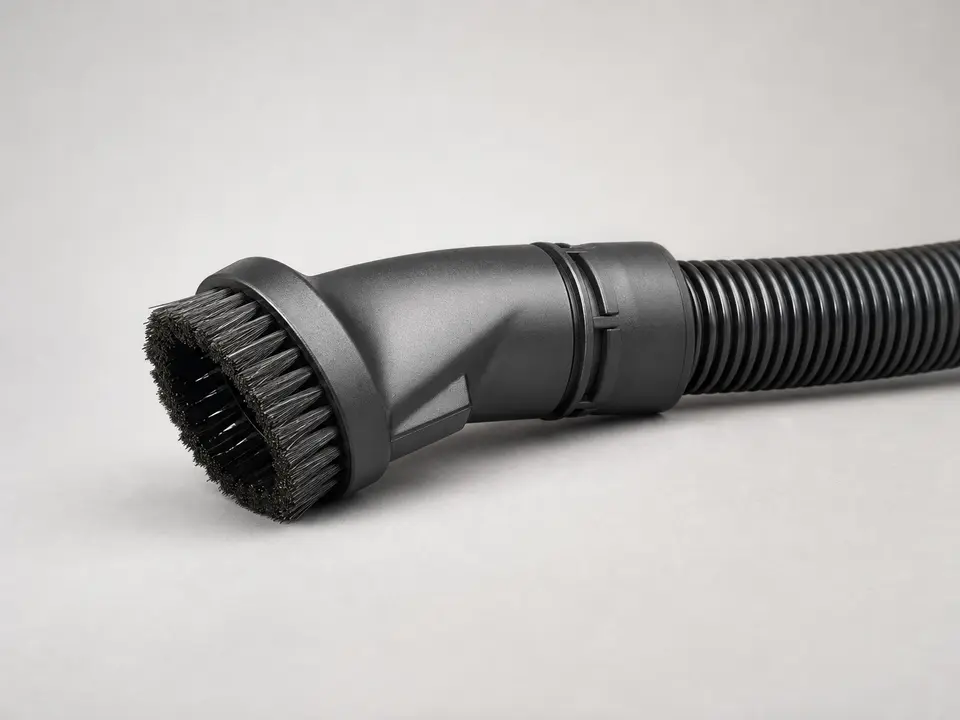
- Vacuum loose dust from the filter slot, intake grille, and the area just behind the filter opening.
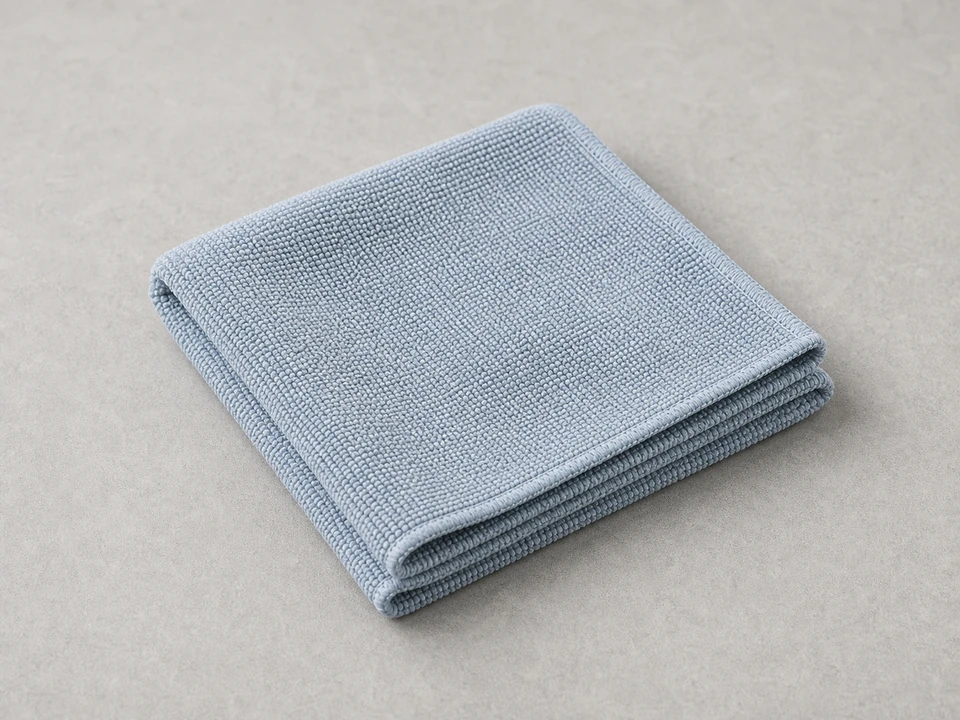
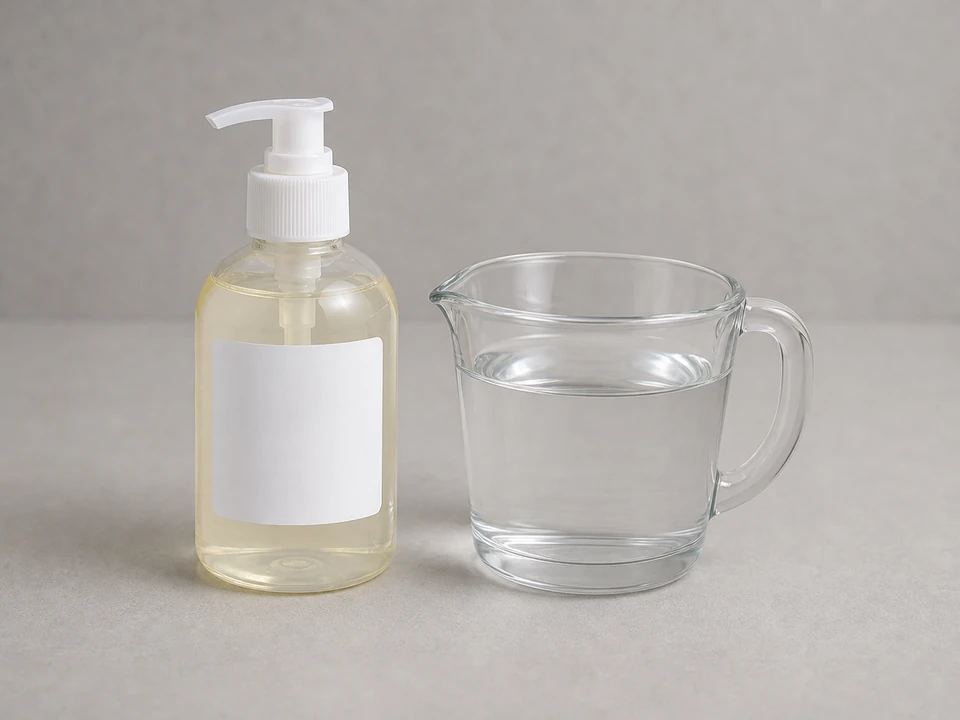
- Wipe the frame, cover, or grille with a soft cloth. Use mild soap and water on removable plastic parts if needed, then dry everything fully before it goes back together.
- Check that no lint mat, pet hair, label, broken tab, or filter scrap is blocking the air path where the filter sits.
- If the old filter was washable and you are reusing it, let it dry completely. A wet filter can restrict airflow and make dust stick fast.
If it works: The old filter is out and the filter area is clean and dry.
If it doesn’t: If heavy dust is packed deeper inside the machine where you cannot safely reach it, clean only what is accessible and monitor performance after the new filter is installed.
Stop if:- You find heavy mold growth, damaged foam, or corrosion inside the cabinet.
- Cleaning exposes broken plastic guides or a missing support that would keep the filter from staying in place.
Step 4: Install the new dehumidifier filter
- Look for an airflow arrow, pull tab, or the same front-to-back orientation as the old filter.
- Slide or press the new dehumidifier filter into place without bending the frame.
- Make sure the filter sits flat in its track or frame, with no bowed edge, open gap, or loose corner where air can bypass it.
- Reinstall the cover, tray, and bucket fully. Many dehumidifiers will not run correctly if the bucket or filter door is not seated.
If it works: The new filter is seated evenly and the access area is fully reassembled.
If it doesn’t: If the filter will not sit flat, remove it and compare it again to the old one. A slightly wrong size or thickness can keep the cover from closing correctly.
Stop if:- The filter must be forced to fit.
- The bucket, cover, or access panel will not reinstall securely after the filter is in place.
Step 5: Restart the dehumidifier and check airflow
- Plug the unit back in and turn it on.
- Set it to a normal drying setting and let it run for several minutes.
- Place your hand near the air outlet and confirm the airflow feels steady and stronger than before.
- Listen for rubbing, rattling, or a strained fan sound that was not there before.
- Check that the bucket switch or filter cover switch is not keeping the unit from starting.
If it works: The dehumidifier starts normally and moves air steadily with the new filter installed.
If it doesn’t: If the unit runs but airflow is still weak, recheck that the filter is installed in the correct direction and that the intake and outlet grilles are clear.
Stop if:- The unit trips power, gives off a burning smell, or makes harsh mechanical noise after restart.
Step 6: Confirm the repair holds in normal use
- Run the dehumidifier through a normal cycle in the room where you use it.
- Check after a few hours that the room feels drier, the bucket is collecting water if the room is humid enough, and the unit is not short cycling from poor airflow.
- Make a note of the filter size and installation direction so the next replacement is easier.
- Check the filter regularly going forward and replace or clean it before it becomes heavily clogged again.
If it works: The unit is running normally in real use, with good airflow and normal moisture removal.
If it doesn’t: If performance still has not improved, the filter was likely not the only issue and the unit may need deeper cleaning or diagnosis of the fan, coil area, controls, or drainage setup.
Stop if:- Water is leaking from the cabinet or collecting where it should not.
- The dehumidifier still overheats, shuts down unexpectedly, or cannot maintain normal operation after the filter replacement.
Replacement Parts
Match the model number, filter size, thickness, frame style, washable or disposable type, and airflow direction before ordering. A filter that is close but bowed or loose can still choke the unit.
As an Amazon Associate I earn from qualifying purchases. Repair Riot may earn a commission at no extra cost to you.
Verify the repair
- The new filter matches the old one by model fit, size, thickness, and direction, and it sits flat without gaps.
- The cover or bucket is fully reinstalled and the unit starts normally.
- Airflow from the dehumidifier feels steady after several minutes of operation.
- The unit removes moisture normally during regular use without unusual noise or shutdowns.
FAQ
How do I know if my dehumidifier filter needs replacement instead of cleaning?
Replace it if it is torn, warped, brittle, greasy, badly stained, or still clogged after cleaning. If it is a disposable filter, replace it. If it is a washable mesh screen and the frame is still good, rinse it and let it dry fully before reinstalling it.
Can I run a dehumidifier without the filter?
It is better not to. The filter helps keep dust off internal parts and supports normal airflow. Running without it can let dirt build up inside the machine faster.
Why is airflow still weak after I replaced the filter?
Check that the new filter is the correct size, seated flat, and facing the right direction. If that looks right, look for a blocked grille, dust on the coil face, a fan problem, a bucket switch issue, or ice on the coil.
How often should I replace a dehumidifier filter?
That depends on dust levels, pets, and how often the unit runs. Check it regularly and replace it when it stays dirty, damaged, or no longer allows good airflow.
Do all dehumidifier filters have an airflow direction?
Not all do, but many framed or layered filters do. If there is an arrow, follow it. If there is no marking, match the orientation of the old filter.
Can the wrong dehumidifier filter make the unit run worse?
Yes. A filter that is too thick, too small, bowed, or installed backward can restrict airflow or let dusty air bypass the filter. Match the model and fit, then make sure the cover closes normally.