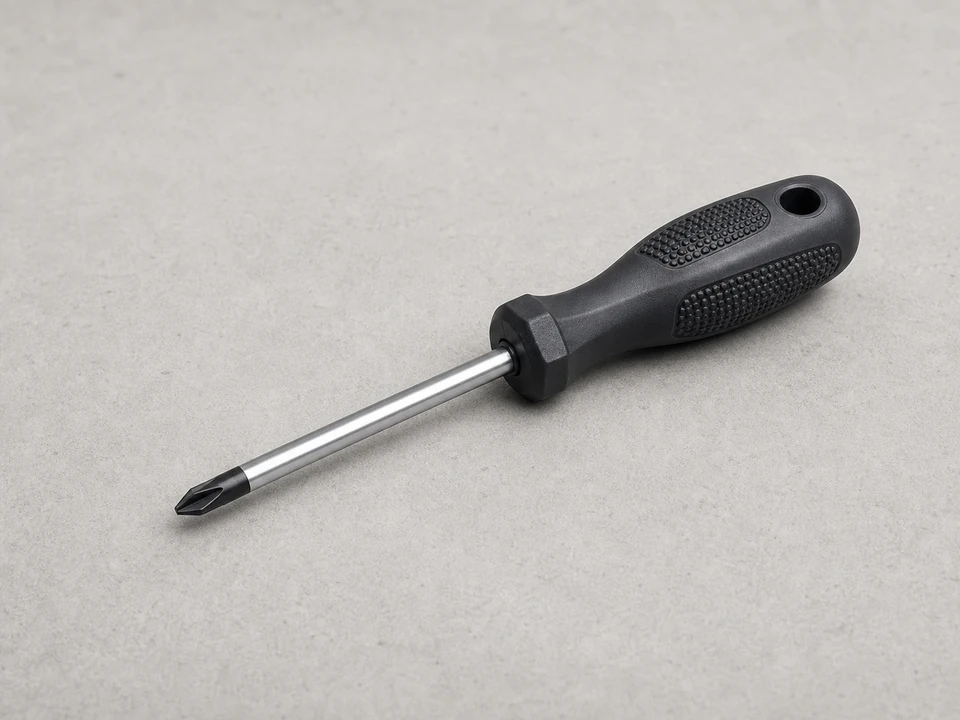
Phillips screwdriver
Use it for: Removes the screws holding the freezer's interior rear panel and fan cover.
Shop Phillips screwdriversTo replace a freezer evaporator fan blade, unplug the freezer, remove the inside rear panel in the freezer compartment, pull the damaged blade off the evaporator fan motor shaft, install the matching replacement blade, then reassemble and test for smooth airflow and quieter operation.
This repair makes sense when the freezer has a rubbing, ticking, or wobbling fan noise from behind the back panel and the blade is cracked, loose, bent, or hitting frost. The job is usually straightforward, but work carefully around cold plastic panels, sharp metal edges, and wiring.
Before you start: Match the replacement part to your exact freezer before ordering.
Use it for: Removes the screws holding the freezer's interior rear panel and fan cover.
Shop Phillips screwdrivers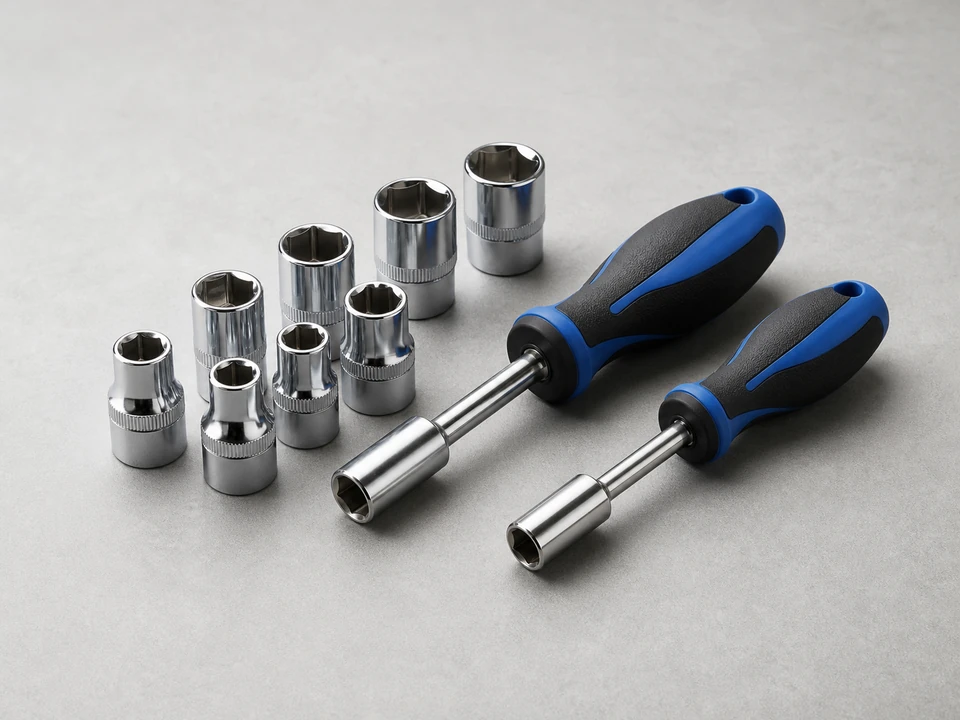
Use it for: Some freezers use hex-head screws instead of Phillips screws on interior panels.
Shop nut driver sets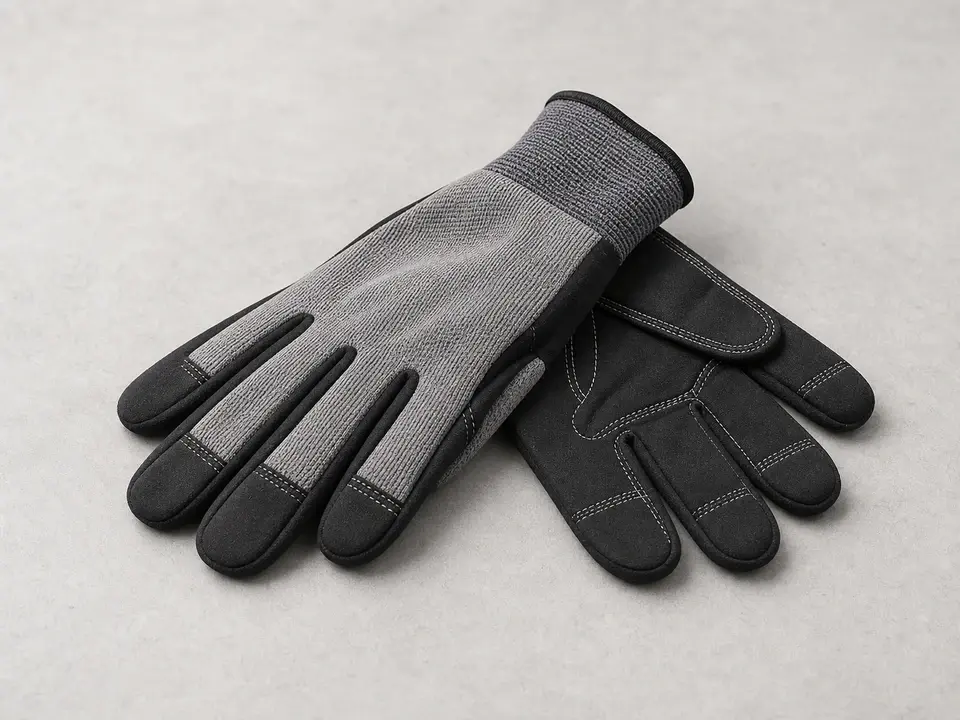
Use it for: Protects your hands from sharp sheet metal edges and brittle cold plastic.
Shop work gloves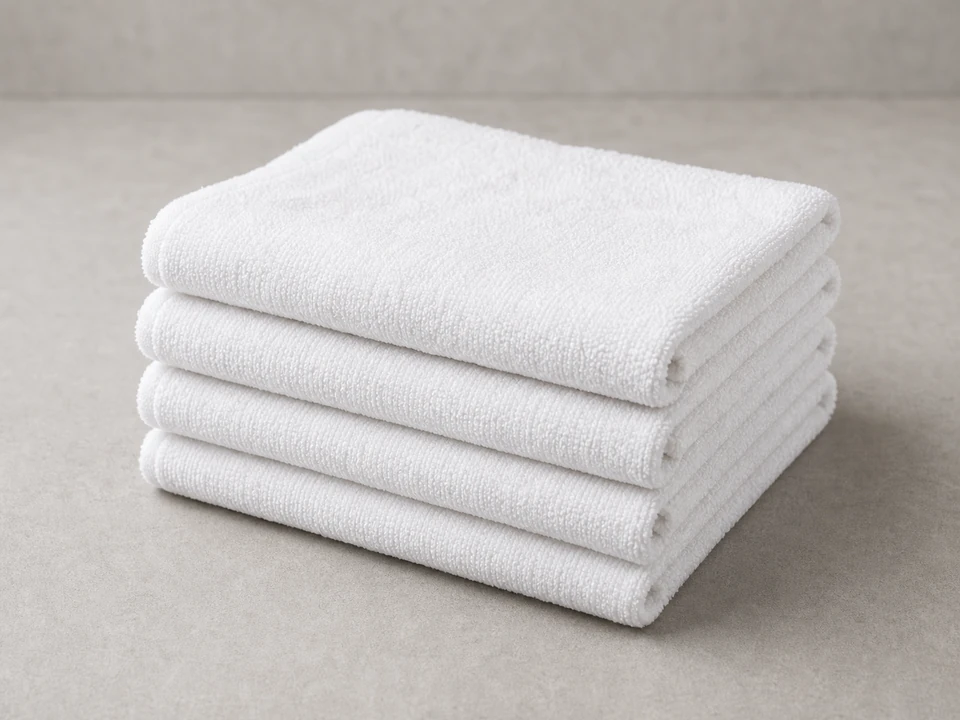
Use it for: Catches melting frost or water while the panel is open.
Shop absorbent towels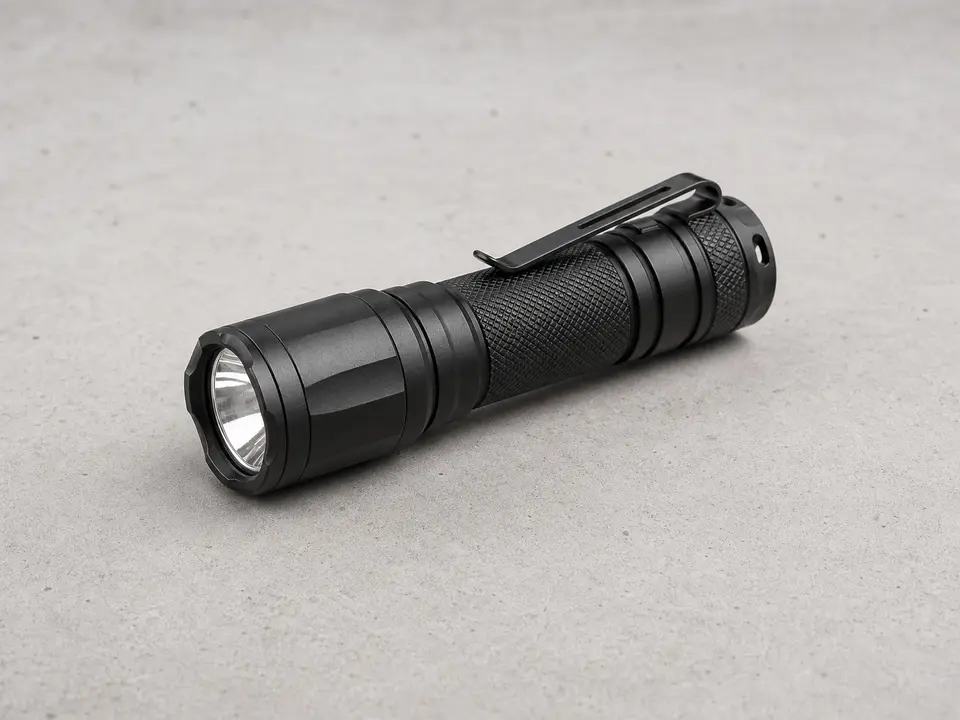
Use it for: Helps you inspect the fan blade, motor shaft, and any frost buildup clearly.
Shop flashlightsAs an Amazon Associate I earn from qualifying purchases. Repair Riot may earn a commission at no extra cost to you.
If it works: The noise clearly tracks with the evaporator fan, and a damaged or rubbing blade is a reasonable cause.
If it doesn’t: If the noise comes from underneath or behind the freezer cabinet instead, check the condenser fan, compressor area, or ice buildup before replacing the blade.
If it works: You can see the evaporator fan blade and motor assembly behind the rear panel.
If it doesn’t: If the panel seems stuck, check again for hidden screws or frost holding it in place rather than forcing brittle plastic.
If it works: The old blade is off, and the motor shaft is still straight and undamaged.
If it doesn’t: If the blade will not come off, recheck for a retaining clip or cap and remove it if your freezer uses one.
If it works: The new blade sits straight, feels secure, and spins freely by hand.
If it doesn’t: If the blade wobbles or rubs no matter how you position it, double-check that the replacement matches the original size and hub style.
If it works: The freezer is back together, powered on, and the fan runs with the panel installed.
If it doesn’t: If the fan does not run, make sure the door switch is fully pressed and any panel wiring connector is plugged back in.
If it works: The freezer runs with normal airflow, the fan sounds smooth, and the original rubbing or ticking noise is gone.
If it doesn’t: If the noise remains, the evaporator fan motor, fan shroud alignment, or frost buildup may be the real cause.
Match the replacement part to your exact freezer before ordering.
As an Amazon Associate I earn from qualifying purchases. Repair Riot may earn a commission at no extra cost to you.
A bad blade is often cracked, loose, bent, or rubbing the housing. If the shaft is straight and the motor spins smoothly, a blade replacement may fix it. If the motor grinds, has side play, or the shaft wobbles, the motor may also need attention.
It is better to replace it. A glued blade can come apart, wobble, or throw the fan out of balance in cold conditions.
Light frost around the fan can happen, but heavy recurring ice usually points to a defrost or airflow problem. Replacing the blade helps only if the old blade is damaged or out of shape.
Not always. If you can remove the rear panel and access the fan safely, you can usually do the repair without a full defrost. If the panel is frozen in place or the fan is buried in ice, let it thaw enough to work without forcing parts.
Recheck that the blade is fully seated and centered on the shaft. If it still rubs or wobbles, the replacement may not match, the shroud may be out of place, or the evaporator fan motor shaft may be bent or worn.