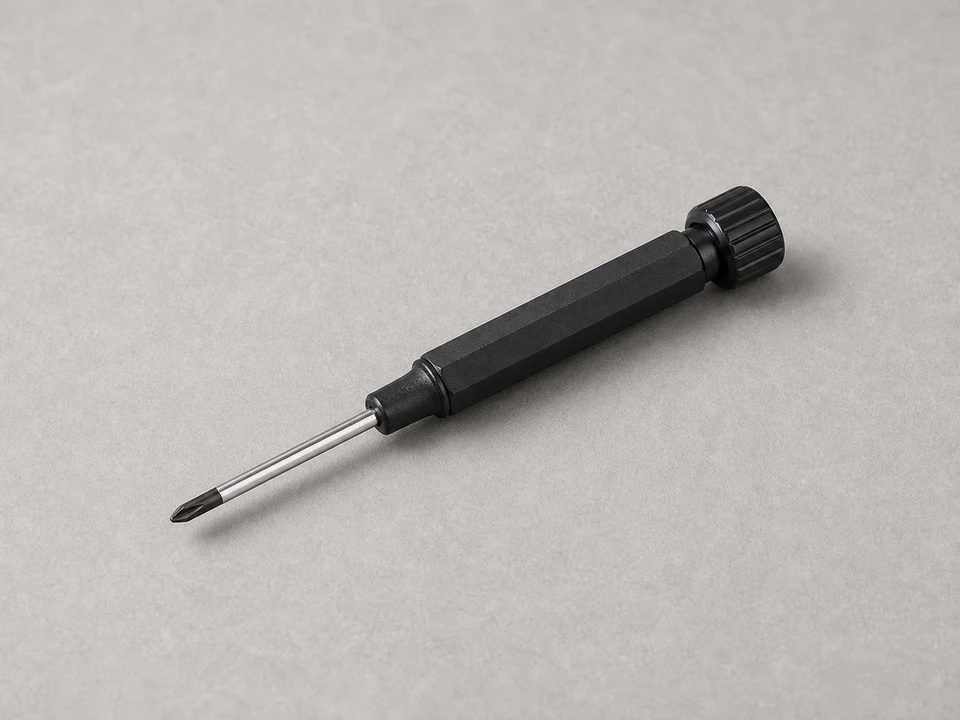
Small screwdriver
Use it for: To open the thermostat cover or remove it from the wall plate if needed.
Shop small screwdriversTo reset a heat pump thermostat, first make sure the thermostat actually has power and the issue is not a tripped breaker or dead batteries. Then restart the thermostat using its reset option or by removing power briefly, restore your settings, and test heating or cooling to make sure the heat pump responds normally.
A thermostat reset can clear a frozen screen, bad schedule, temporary software glitch, or communication hiccup between the thermostat and the heat pump. It will not fix wiring problems, a failed thermostat, or a heat pump that has lost power.
Before you start: Match the port layout, power or connector style, and equipment compatibility before ordering. Stop if the repair becomes unsafe or unclear.
Use it for: To open the thermostat cover or remove it from the wall plate if needed.
Shop small screwdrivers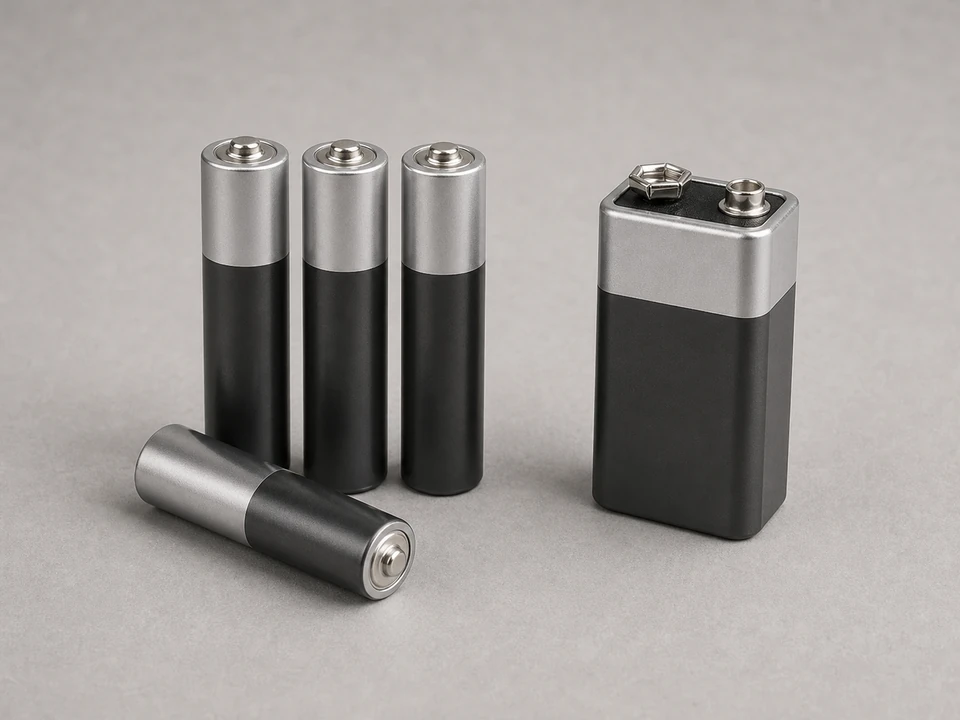
Use it for: Some thermostats need new batteries after a reset or power loss.
Shop thermostat batteries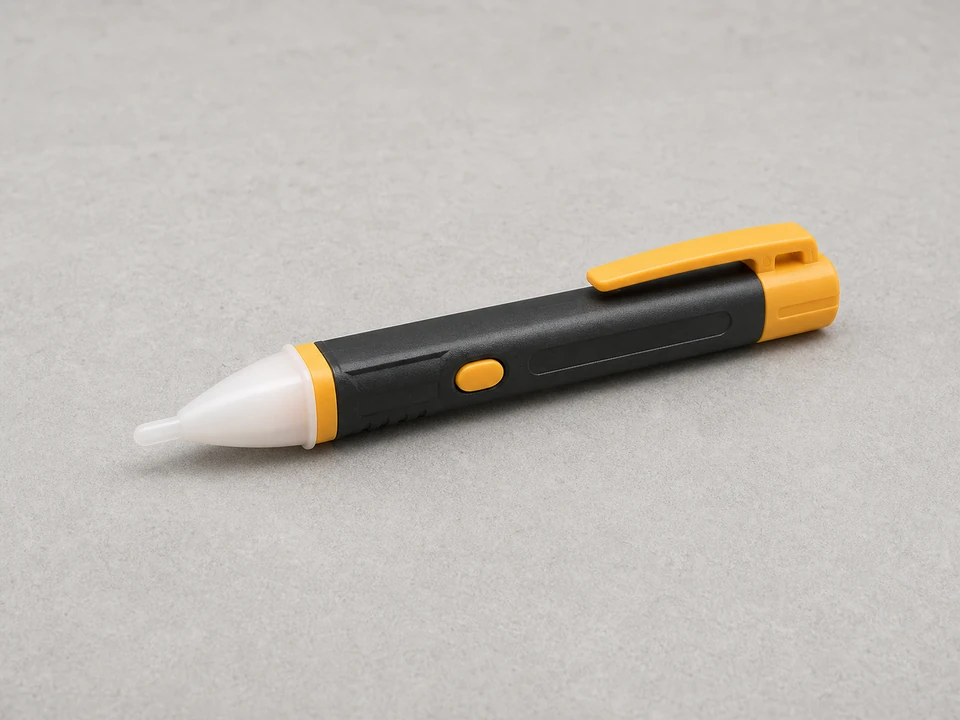
Use it for: To check for live power before touching thermostat wiring if the cover must come off.
Shop non-contact voltage testers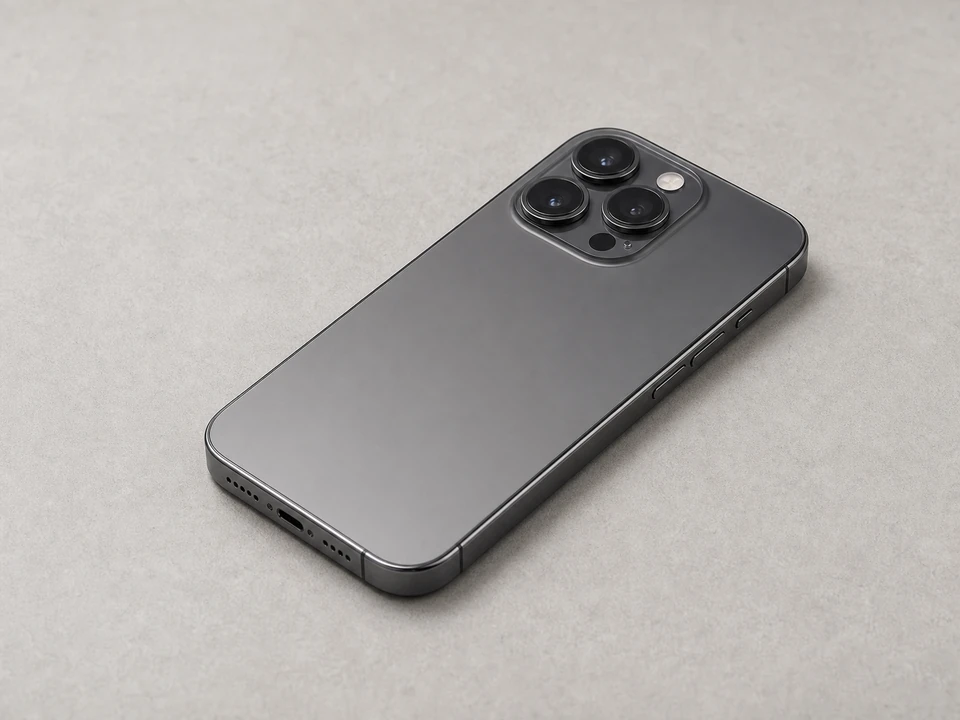
Use it for: To take a picture of the current settings and wiring before you reset or remove anything.
Shop phone camera tripodsAs an Amazon Associate I earn from qualifying purchases. Repair Riot may earn a commission at no extra cost to you.
If it works: You have confirmed the thermostat is powered or needs only simple battery replacement, and a reset makes sense as the next step.
If it doesn’t: If the thermostat is blank and stays blank after fresh batteries, check the HVAC breaker and furnace or air-handler service switch before trying to reset the thermostat again.
If it works: The thermostat is in Off mode and the heat pump has had a few minutes to stop cleanly.
If it doesn’t: If the thermostat will not respond at all, continue with a power reset instead of an on-screen reset.
If it works: The thermostat powers back up, the screen responds normally, and you can access the basic controls again.
If it doesn’t: If the thermostat stays blank or keeps rebooting, the problem may be low-voltage power, wiring, or a failed thermostat rather than a simple reset issue.
If it works: The thermostat is back on the right mode and settings, and it is actively calling for the heat pump to run.
If it doesn’t: If you cannot restore normal heat pump settings or the thermostat menu looks wrong after reset, the thermostat may need replacement or professional setup.
If it works: The heat pump starts, airflow returns, and the thermostat holds the chosen mode without freezing or going blank.
If it doesn’t: If the thermostat appears to work but the heat pump never starts, check the breaker, filter condition, and any emergency shutoff switch, then move to professional diagnosis if power is present and the system still does not respond.
If it works: The thermostat stays on, controls the heat pump normally, and the room temperature begins moving toward the set point.
If it doesn’t: If the problem returns after a short time, the reset only masked the issue. The likely next steps are checking low-voltage power, thermostat wiring, or replacing the thermostat.
Sometimes. A simple restart may keep your settings, but a full factory reset can erase schedules, time, and equipment setup. Take a photo of your settings first.
A blank screen usually points to lost power, dead batteries, a tripped breaker, a service switch turned off, or a failed thermostat. A reset alone will not fix those problems.
Wait several minutes. Many heat pumps and thermostats use a built-in delay to protect the compressor from short cycling.
Yes, if the thermostat is powered by the HVAC system. Turn the breaker off, wait about a minute, then restore power. This is a common reset method when there is no clear reset button.
Consider replacement if the screen stays blank with confirmed power, the thermostat keeps rebooting, buttons or touch controls fail, or the settings will not save after reset.