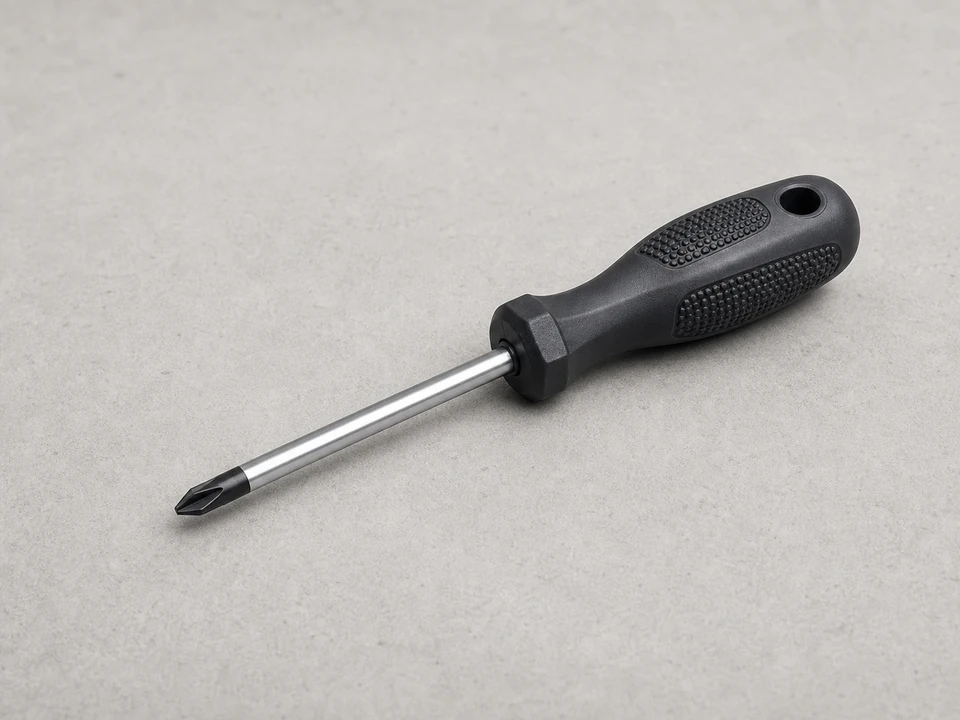
Phillips screwdriver
Use it for: Removes the screws that hold the grille, trim, or control panel in place.
Shop Phillips screwdriversTo replace a microwave control panel assembly, first confirm the display or keypad problem is actually in the control panel, disconnect power, remove the panel trim or mounting screws, transfer any wire plugs to the new assembly, reinstall it, and test every button before regular use.
This repair is usually a good fit when the display is dead, the keypad does not respond, or multiple buttons fail even after a basic reset and power check. Work carefully around the microwave cabinet, and do not open internal high-voltage sections beyond the control panel area.
Before you start: Match the replacement part to your exact microwave before ordering.
Use it for: Removes the screws that hold the grille, trim, or control panel in place.
Shop Phillips screwdrivers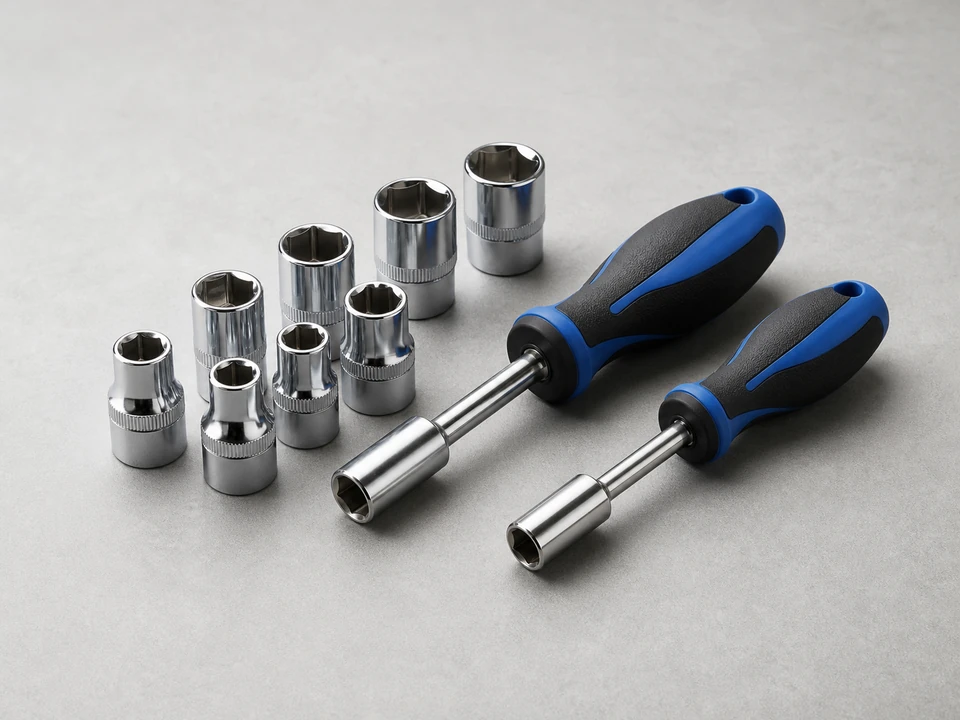
Use it for: Some microwaves use hex-head screws instead of Phillips screws.
Shop nut driver sets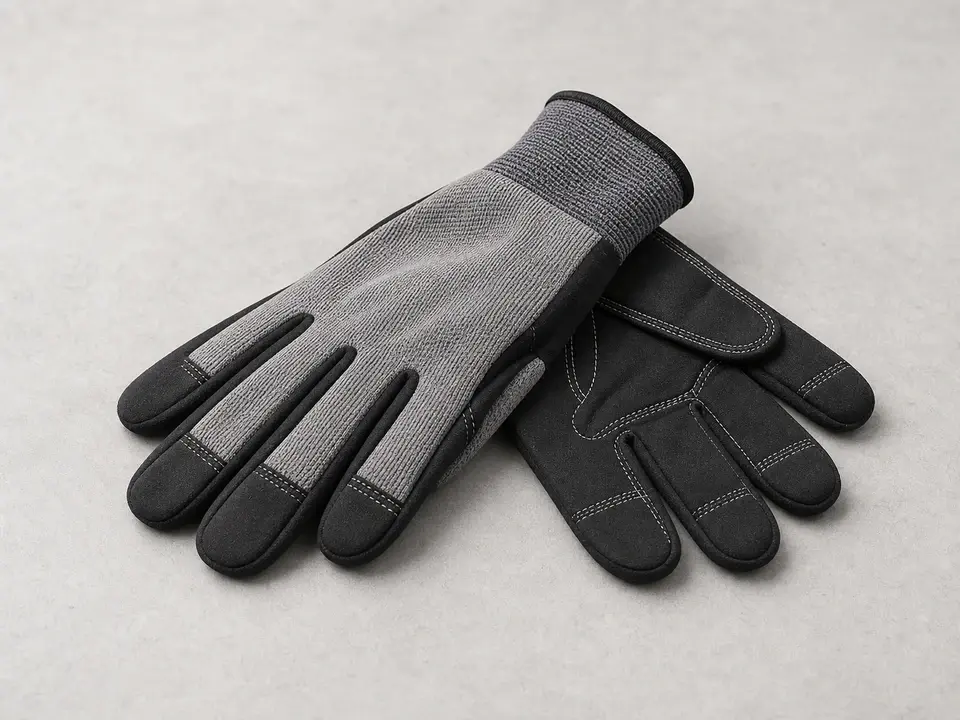
Use it for: Helps protect your hands from sharp sheet-metal edges inside the cabinet opening.
Shop work gloves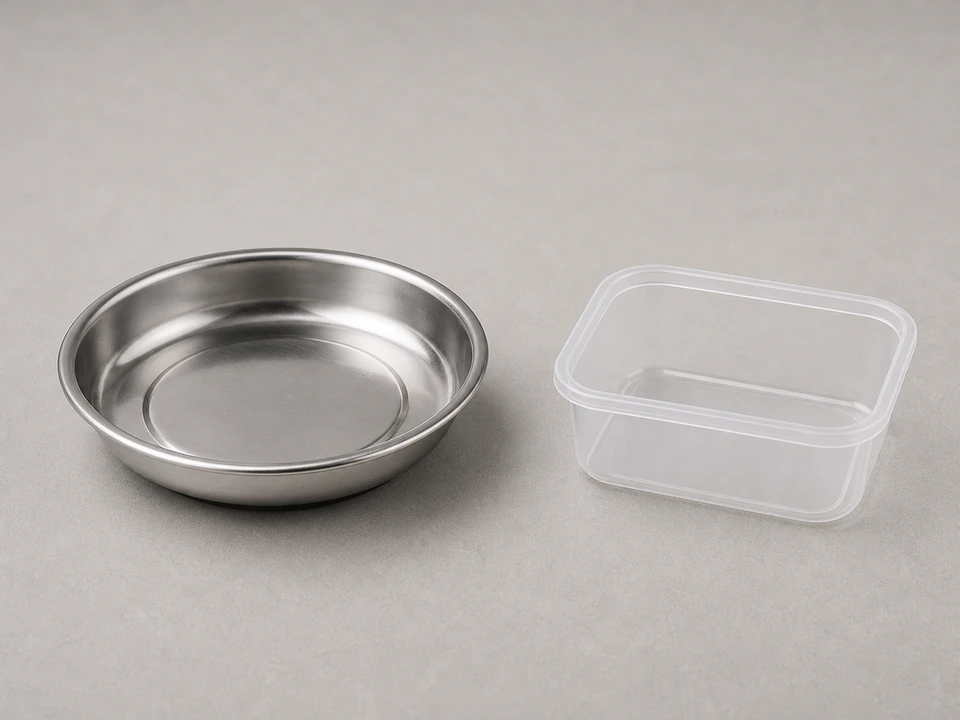
Use it for: Keeps mounting screws from getting lost during the swap.
Shop magnetic parts trays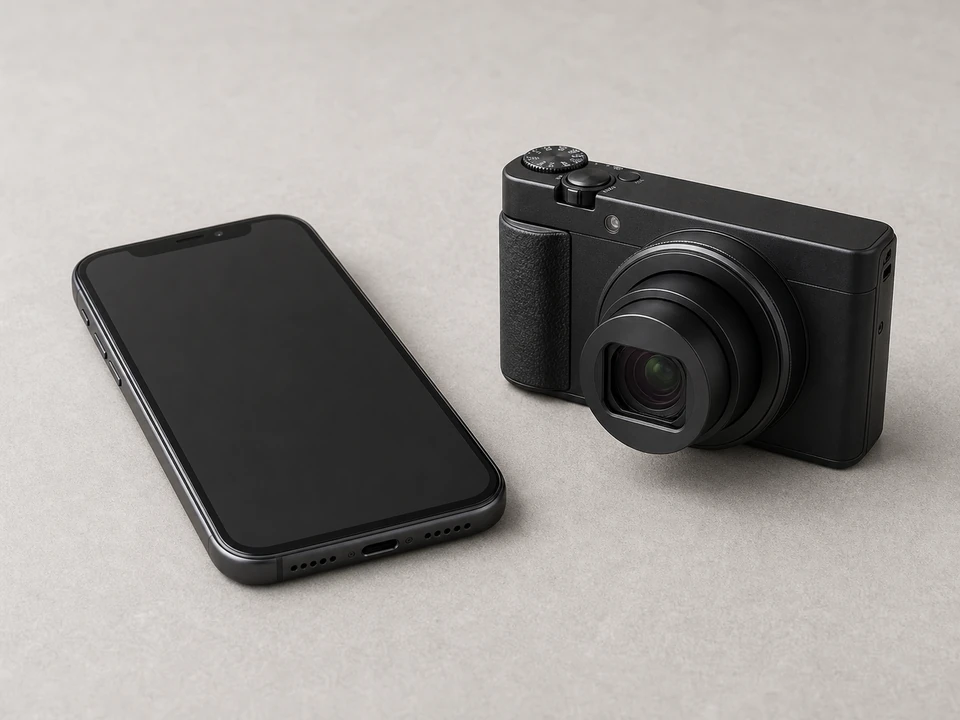
Use it for: Lets you take a quick photo of wire connections before moving them.
Shop basic phone tripods and standsAs an Amazon Associate I earn from qualifying purchases. Repair Riot may earn a commission at no extra cost to you.
If it works: You have power ruled in, the symptoms point to the control panel assembly, and the replacement part matches your microwave.
If it doesn’t: If the microwave is completely dead and the outlet has no issue, or if the problem points more toward a door switch, fuse, or main control issue, pause and diagnose that first.
If it works: The control panel assembly is loose and you can access its wire connections without forcing anything.
If it doesn’t: If the panel will not move, look again for a hidden screw at the top, behind the grille, or along the panel edge.
If it works: The old control panel assembly is fully disconnected and any reusable trim or brackets are ready to move over.
If it doesn’t: If a connector is stuck, wiggle it gently and check for a locking tab instead of pulling harder.
If it works: The new control panel assembly is mounted securely, all connectors are attached, and the trim is back in place.
If it doesn’t: If the panel does not sit flush, remove it and check for a missed tab, trapped wire, or misplaced bracket.
If it works: The display works, the keypad responds, and the microwave completes a short heating test normally.
If it doesn’t: If the new panel still does not respond, disconnect power and recheck every connector and the part match. If wiring and fit are correct, the problem may be elsewhere in the microwave.
If it works: The microwave works normally in real use and the control panel problem does not return.
If it doesn’t: If the same symptoms come back, the root cause may be a wiring issue, moisture damage, or another internal control problem that needs deeper diagnosis.
Match the replacement part to your exact microwave before ordering.
As an Amazon Associate I earn from qualifying purchases. Repair Riot may earn a commission at no extra cost to you.
A bad control panel assembly often shows up as a dead or partial display, a keypad that does not respond, or several buttons failing together. If the outlet has power and the part matches your model, the control panel assembly is a common fix for those symptoms.
Sometimes the keypad is sold separately, but many microwaves use a complete control panel assembly as the practical replacement. If your model uses the full assembly, replacing the whole unit is usually simpler and more reliable.
Usually no. Many countertop and over-the-range microwaves let you access the control panel from the front by removing the top grille or trim and the panel mounting screws.
The most common causes are a wrong part, a loose connector, or a problem elsewhere in the microwave. Disconnect power and recheck the wire plugs, mounting position, and exact model fit first.
It can be, if you stay in the control panel area, disconnect power first, and do not open high-voltage sections of the microwave. Stop if you find burnt wiring, arcing, or damage beyond the panel itself.