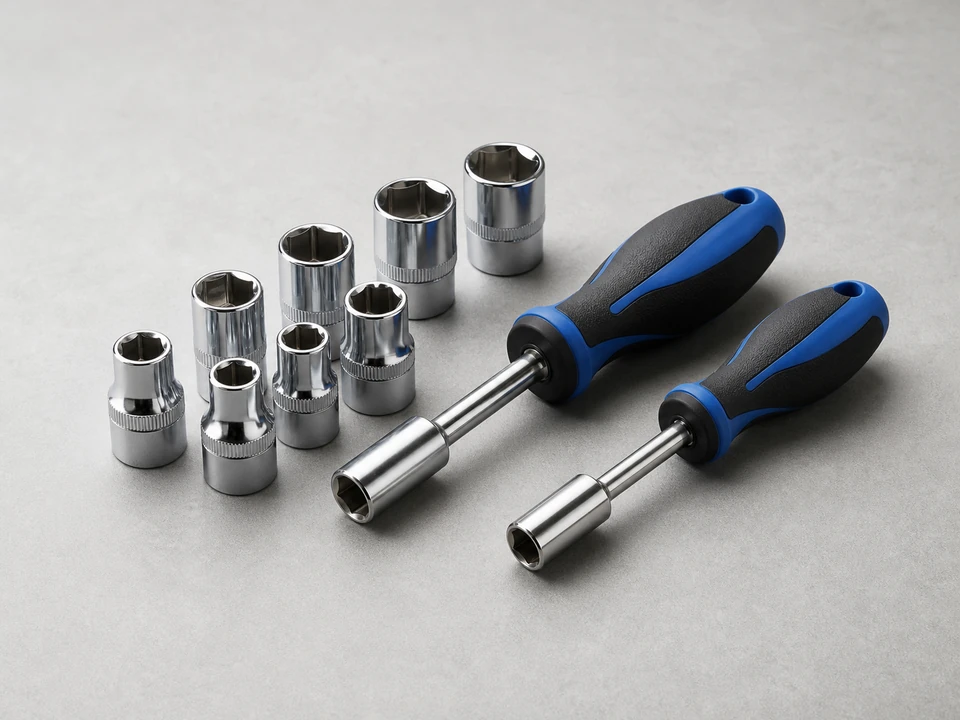
Nut driver set
Use it for: Removes the rear lower access panel and fan mounting screws if needed.
Shop nut driver setsTo replace a refrigerator condenser fan blade, unplug the refrigerator, remove the rear lower access panel, pull the damaged blade off the condenser fan motor shaft, install the matching replacement blade, and test for smooth, quiet operation.
A bent, cracked, or loose condenser fan blade can cause clicking, rattling, vibration, poor airflow, and warmer cabinet temperatures. This repair is usually straightforward if the blade is clearly damaged and the fan motor shaft is still in good shape.
Before you start: Match the replacement part to your exact refrigerator before ordering.
Use it for: Removes the rear lower access panel and fan mounting screws if needed.
Shop nut driver sets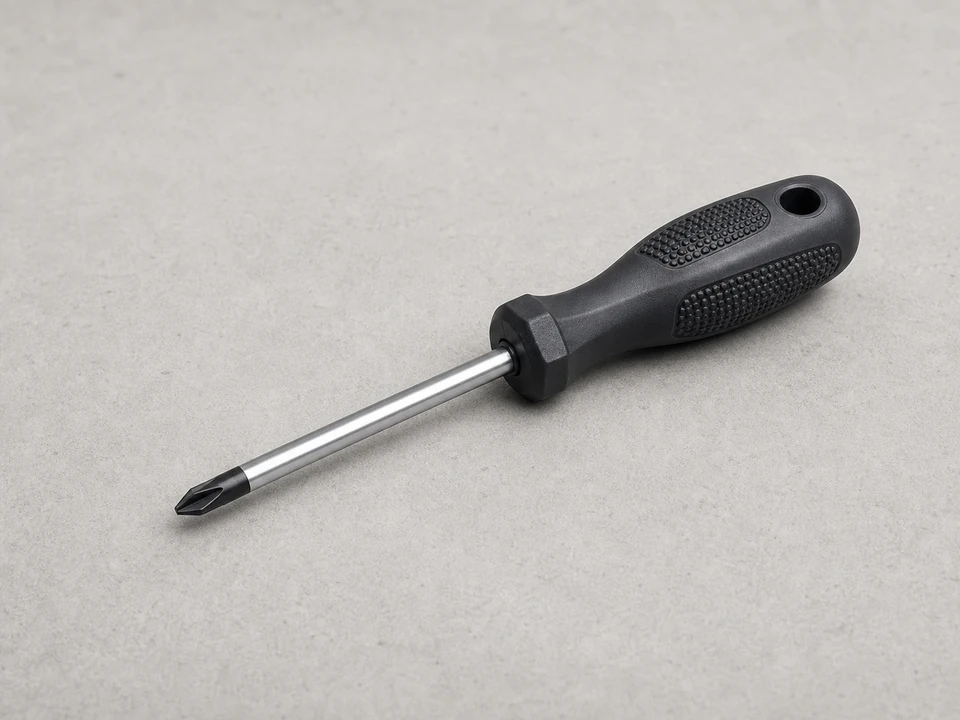
Use it for: Removes panel screws on some refrigerators.
Shop Phillips screwdrivers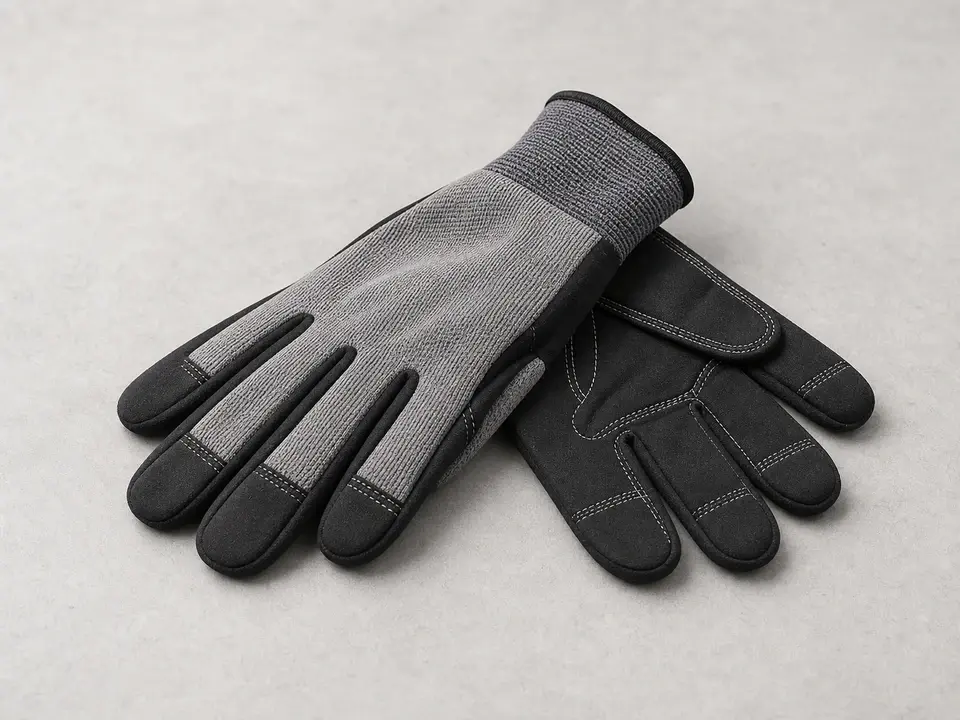
Use it for: Protects your hands from sharp sheet metal edges around the back panel.
Shop work gloves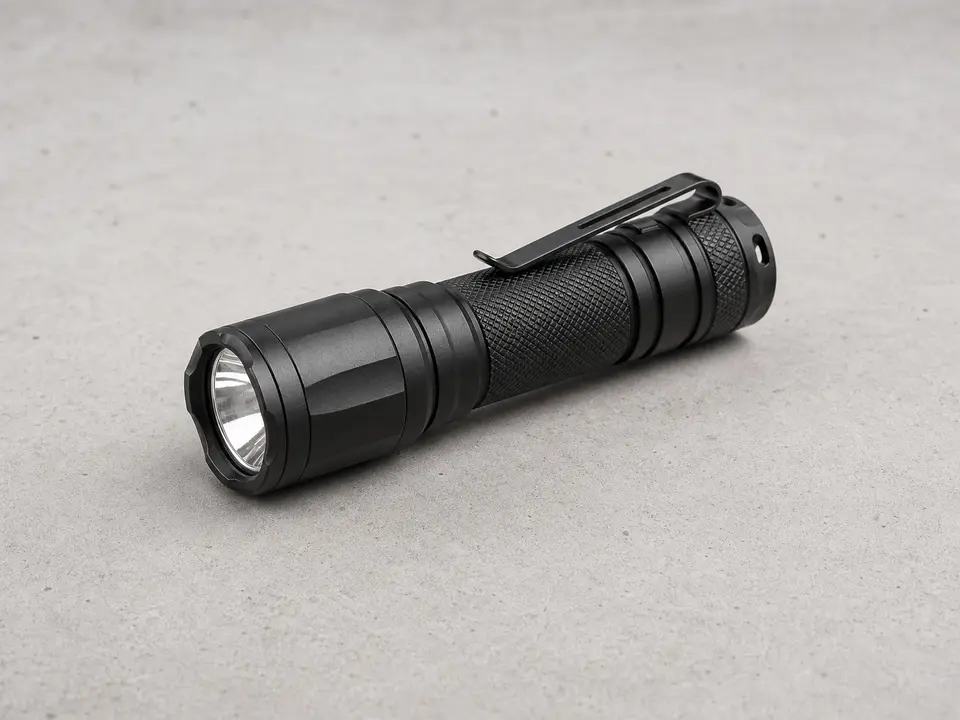
Use it for: Helps you inspect the fan blade, motor shaft, and surrounding area clearly.
Shop flashlights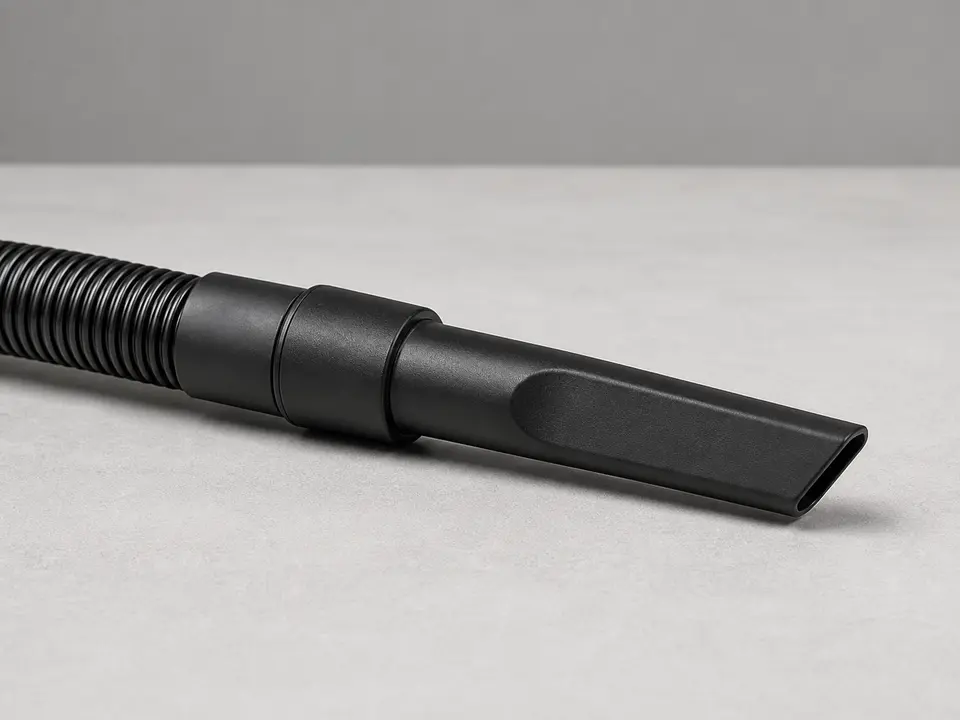
Use it for: Cleans dust from the condenser area before reassembly.
Shop vacuums with crevice toolsAs an Amazon Associate I earn from qualifying purchases. Repair Riot may earn a commission at no extra cost to you.
If it works: You found visible blade damage or rubbing that explains the noise or poor airflow.
If it doesn’t: If the blade looks intact and spins true, the problem may be the condenser fan motor, debris in the fan area, or a different source of vibration.
If it works: The refrigerator is safely disconnected and the condenser fan area is fully accessible.
If it doesn’t: If you cannot move the refrigerator safely or the panel will not come off after all visible screws are removed, check again for hidden screws along the panel edges.
If it works: The old condenser fan blade is off and the motor shaft is clean and undamaged enough to accept the new blade.
If it doesn’t: If the blade is stuck, work it off gradually with gentle rocking instead of forcing one side. Recheck that you are pulling straight off the shaft.
If it works: The new blade is seated securely and spins freely without wobble or scraping.
If it doesn’t: If the blade rubs, remove it and reset the depth or orientation until it clears evenly all the way around.
If it works: The refrigerator is reassembled and the fan runs with the panel back in place.
If it doesn’t: If the fan does not run right away, give the refrigerator a few minutes. Some units do not start the condenser fan the instant power is restored.
If it works: The refrigerator cools normally and the condenser fan runs smoothly with no blade noise or rubbing.
If it doesn’t: If noise, weak airflow, or warm temperatures continue, the condenser fan motor or another cooling component may also need attention.
Match the replacement part to your exact refrigerator before ordering.
As an Amazon Associate I earn from qualifying purchases. Repair Riot may earn a commission at no extra cost to you.
It often makes a clicking, rattling, ticking, or vibrating sound from the lower rear of the refrigerator. The noise may get worse when the compressor starts because the blade is wobbling or rubbing nearby parts.
It is better not to. A damaged blade can reduce airflow across the condenser area, which can lead to poor cooling, longer run times, and extra strain on the system.
If the blade is visibly cracked, bent, loose, or rubbing, replacing the blade makes sense. If the blade looks fine but the motor shaft is bent, loose, seized, or the fan will not run properly, the motor may be the real problem.
Yes. Dust and lint around the fan and condenser can restrict airflow and make the refrigerator run hotter. A quick vacuuming is worth doing before you close the panel.
The most common reasons are the blade is not seated at the right depth, it is installed in the wrong orientation, the replacement part does not match, or the motor bracket or shaft is bent.