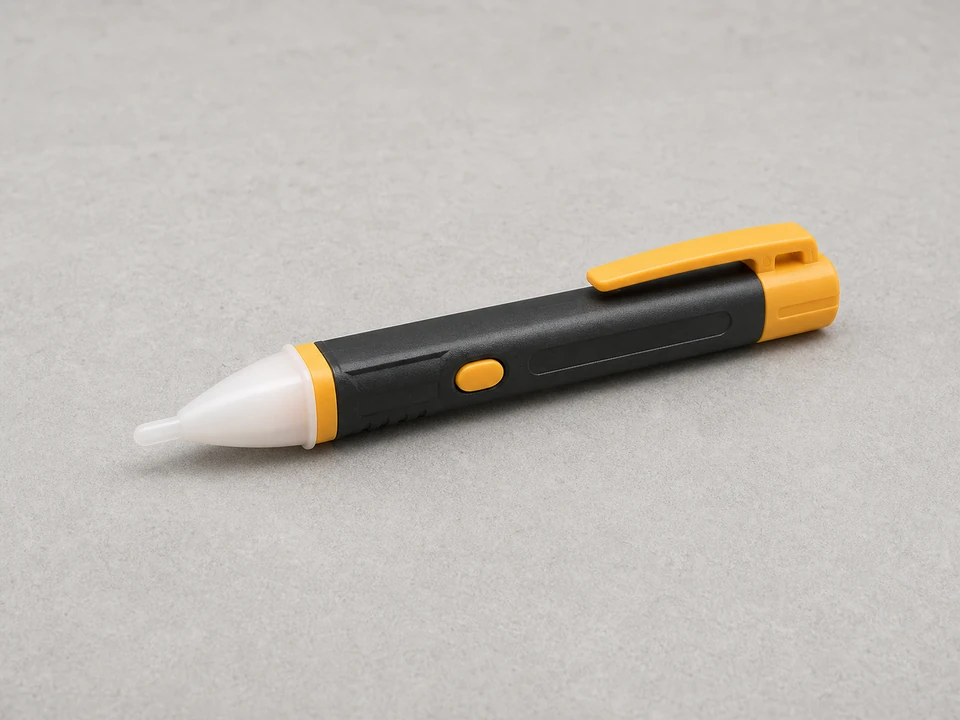
Non contact voltage tester
Use it for: To confirm power is off before touching any wires.
Shop non-contact voltage testersTo replace a ceiling fan pull-chain switch, turn off power at the breaker, remove the fan switch housing, note or photograph the wire connections, install the matching replacement switch, then reassemble and test the fan.
This is a moderate electrical repair because you will be opening the fan housing and handling wiring. Work slowly, keep the breaker off the whole time, and stop if the wiring does not match the new switch or looks damaged.
Before you start: Match the replacement part to your exact ceiling fan before ordering.
Use it for: To confirm power is off before touching any wires.
Shop non-contact voltage testers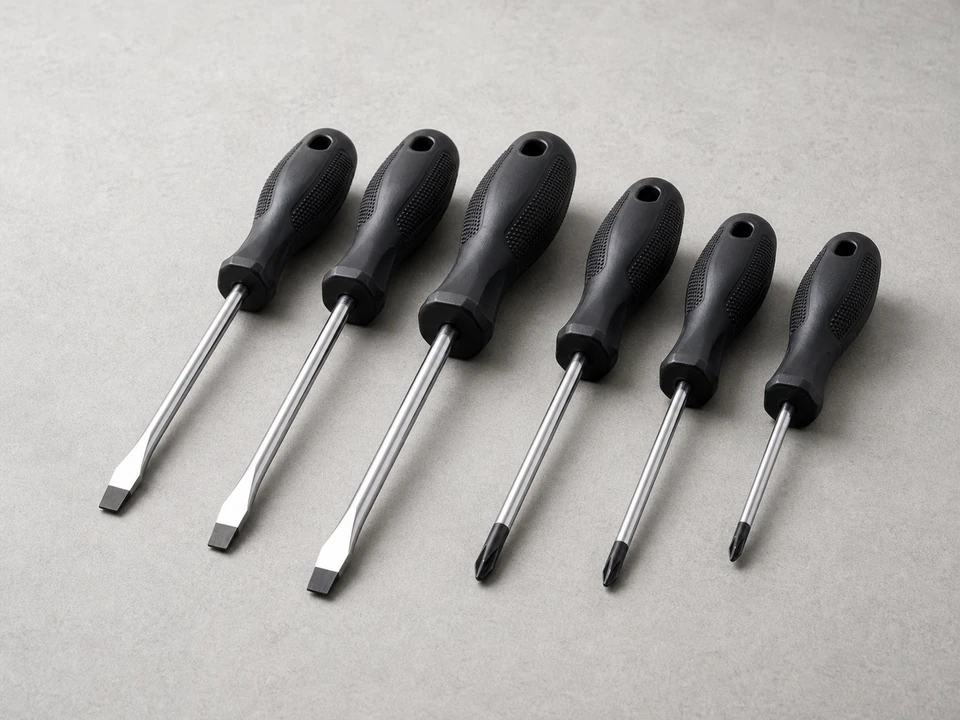
Use it for: To remove the fan housing screws and install the new switch.
Shop screwdriver sets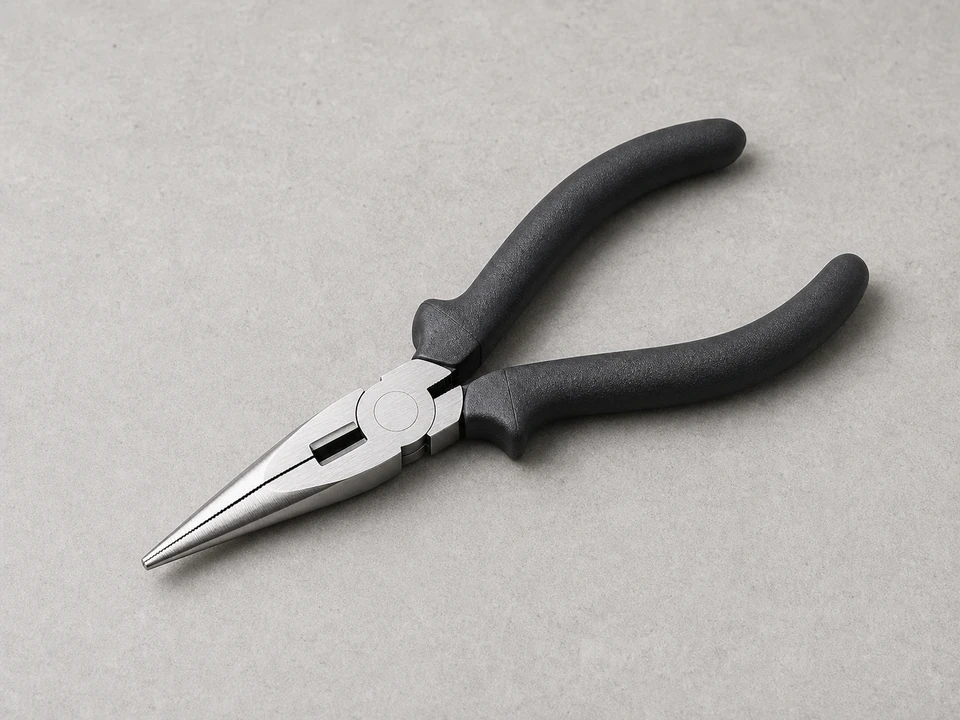
Use it for: To help pull the switch through the housing and handle small wire connectors.
Shop needle-nose pliers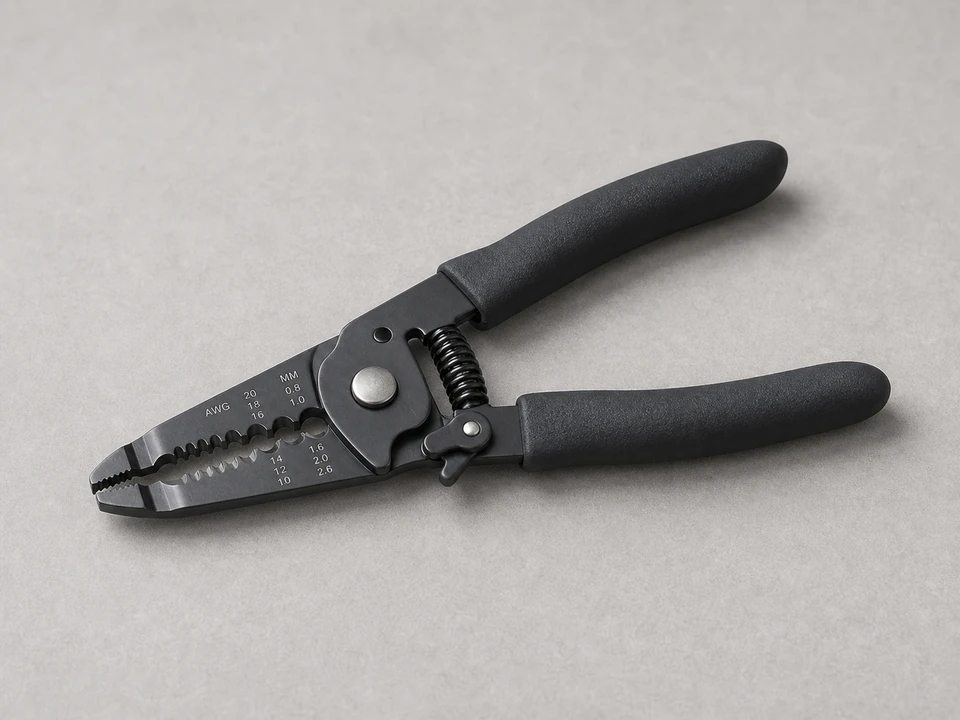
Use it for: To trim and strip wire ends if the replacement switch does not use the same connectors.
Shop wire strippers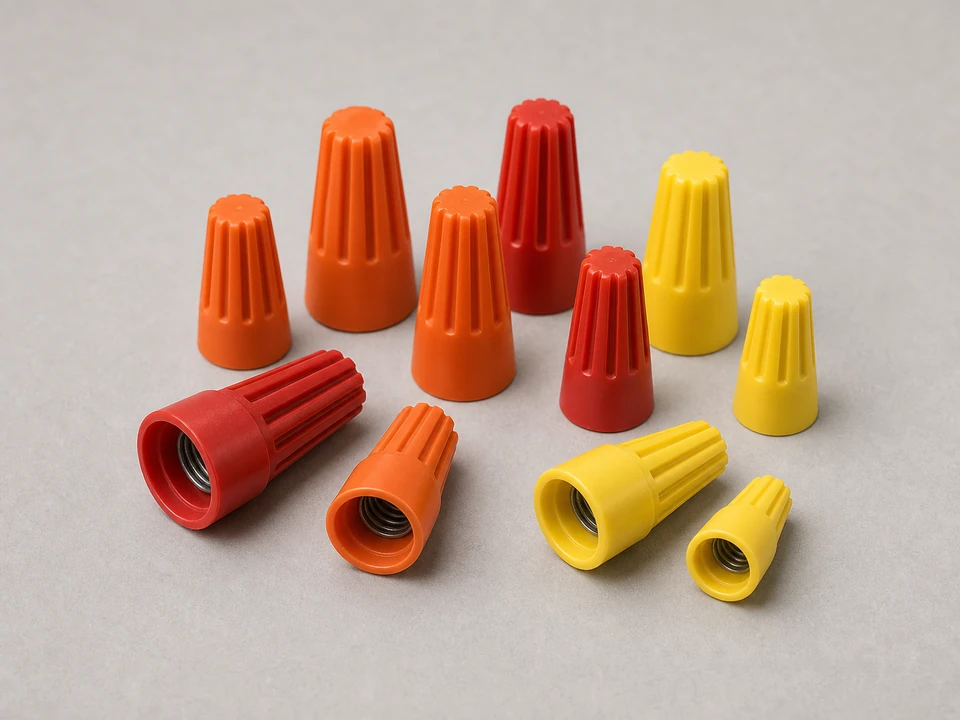
Use it for: To reconnect wires securely if the old connectors are damaged or not reusable.
Shop wire connectors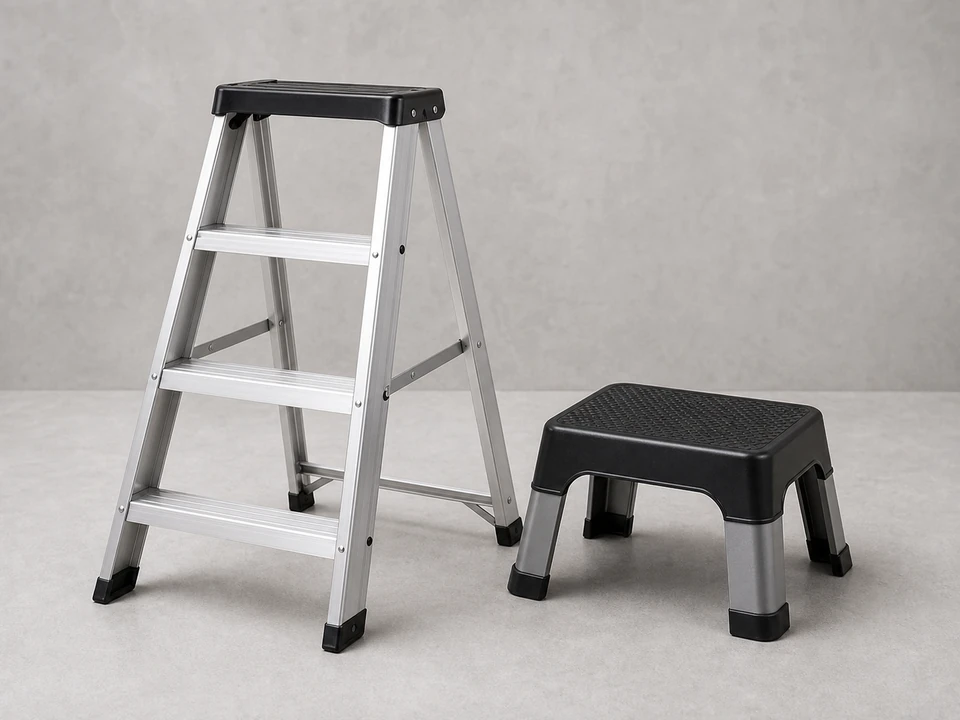
Use it for: To reach the ceiling fan safely and work with both hands free.
Shop step laddersAs an Amazon Associate I earn from qualifying purchases. Repair Riot may earn a commission at no extra cost to you.
If it works: You have safe access to the fan and have confirmed the circuit is off.
If it doesn’t: If the tester still shows power or you are not sure which breaker controls the fan, stop and identify the correct circuit before opening the fan.
If it works: The pull-chain switch is exposed and you have a reference photo of the wiring.
If it doesn’t: If the housing will not lower easily, check for hidden screws or clips and avoid forcing it.
If it works: The old switch is free and the wire positions are documented.
If it doesn’t: If the wires are hard to identify, compare them to your photo and the markings on the old switch before going further.
If it works: The new switch is mounted securely and the wires are connected neatly.
If it doesn’t: If the chain binds, the switch sits crooked, or the wiring does not match cleanly, remove it and recheck fit and terminal layout.
If it works: The housing is back together and the chain moves normally.
If it doesn’t: If the housing will not close, reopen it and rearrange the wires so they sit fully inside without strain.
If it works: The fan turns on and cycles through its normal pull-chain settings.
If it doesn’t: If the fan still does not respond correctly, turn the breaker back off and recheck the switch wiring and part match.
Match the replacement part to your exact ceiling fan before ordering.
As an Amazon Associate I earn from qualifying purchases. Repair Riot may earn a commission at no extra cost to you.
A bad pull-chain switch may feel loose, fail to click, get stuck between positions, or stop changing the fan speed or on-off setting. If the fan has power but does not respond to the chain, the switch is a common failure point.
If only the decorative chain extension came off, you may only need a new extension. If the chain broke at the switch body or the switch no longer clicks properly, replace the full ceiling fan pull-chain switch.
No. Terminal count and wire positions can vary. Match the replacement to the old switch and use a photo of the original wiring before disconnecting anything.
Do not guess. If the labels or number of terminals do not match the old switch, pause and confirm you have the correct replacement. Using the wrong switch can keep the fan from working or create an unsafe wiring condition.
Not unless you have reason to suspect it is also bad. A failed capacitor can cause speed problems, but a broken or non-clicking pull-chain switch is a separate issue. Replace the switch first if it is clearly damaged.