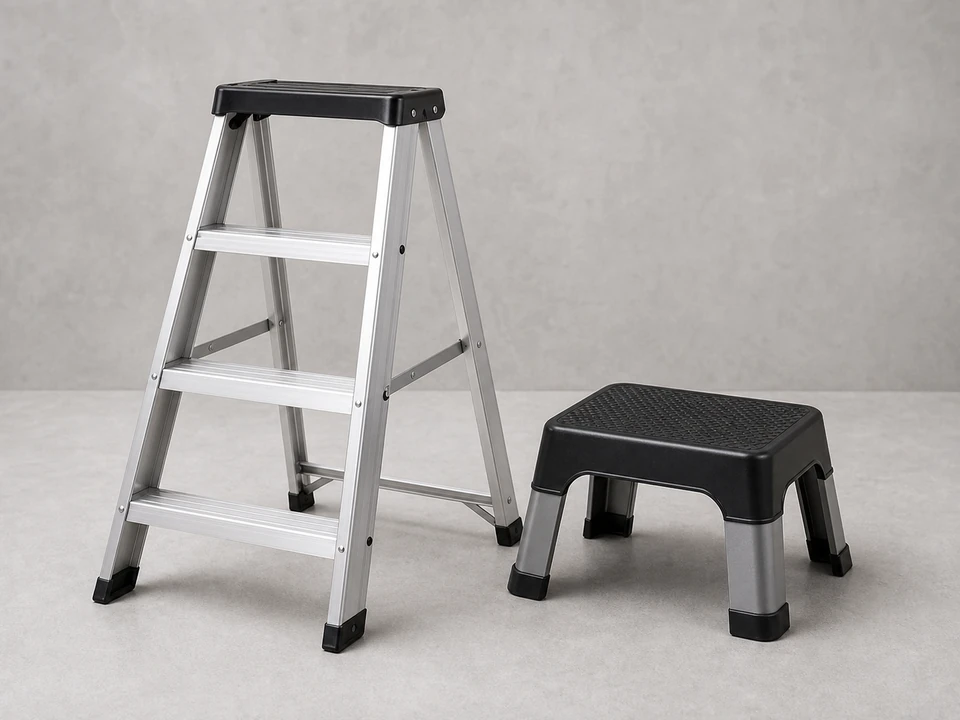
Stepladder
Use it for: To safely reach the fan canopy and work overhead.
Shop stepladdersIf your ceiling fan no longer responds correctly to the handheld remote, replacing the ceiling fan remote kit can restore normal fan speeds and light control.
Most remote kits include a handheld remote and a small receiver that sits in the fan canopy. The job is usually straightforward if you shut off power first, match the wire connections carefully, and make sure the new kit fits your fan.
Before you start: Match the replacement part to your exact ceiling fan before ordering.
Use it for: To safely reach the fan canopy and work overhead.
Shop stepladders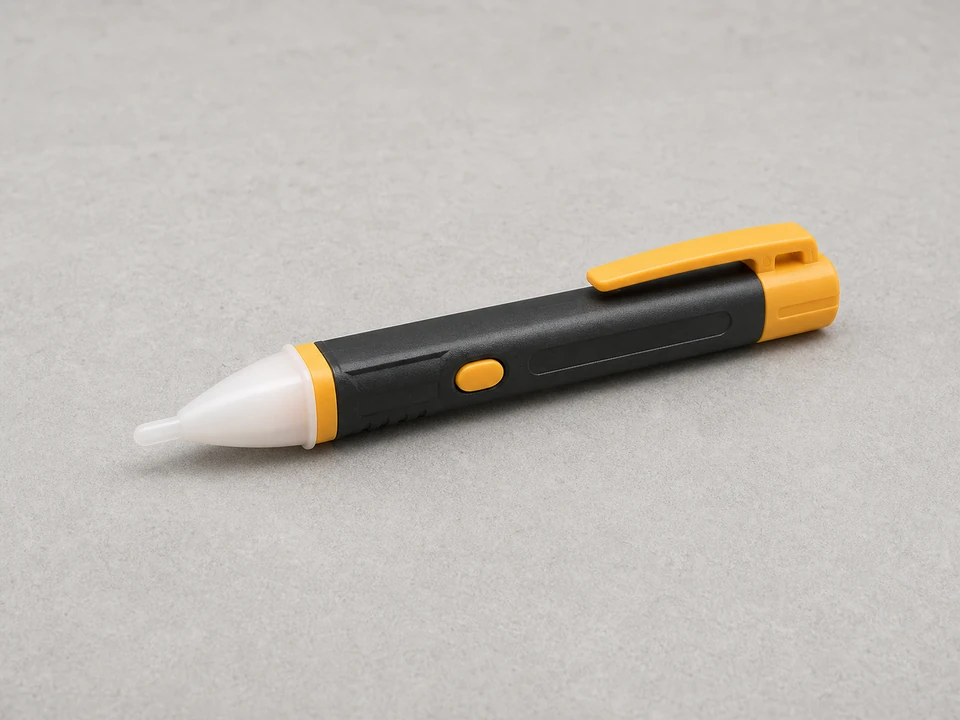
Use it for: To confirm power is actually off before touching wires.
Shop non-contact voltage testers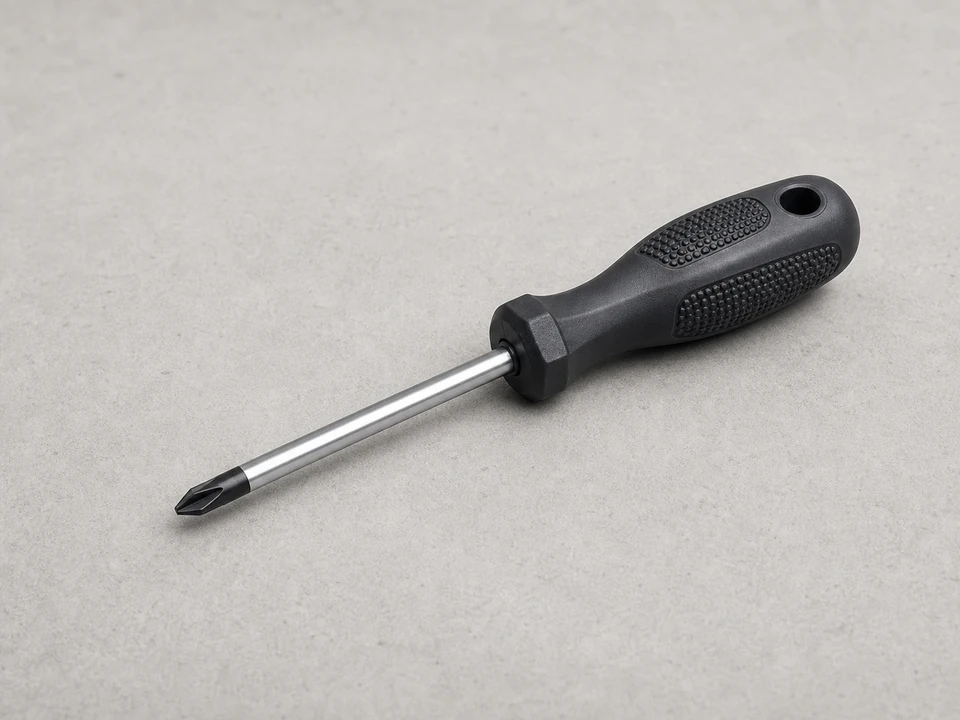
Use it for: To remove the canopy screws and secure the new receiver or bracket screws.
Shop Phillips screwdrivers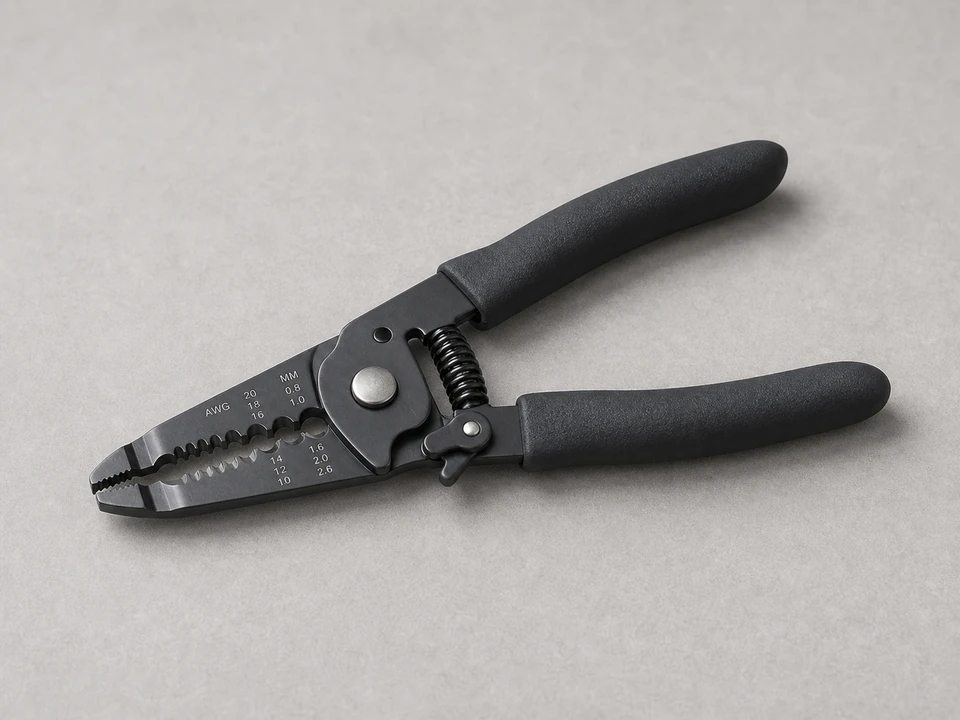
Use it for: To trim or re-strip wire ends if the new kit needs fresh connections.
Shop wire strippers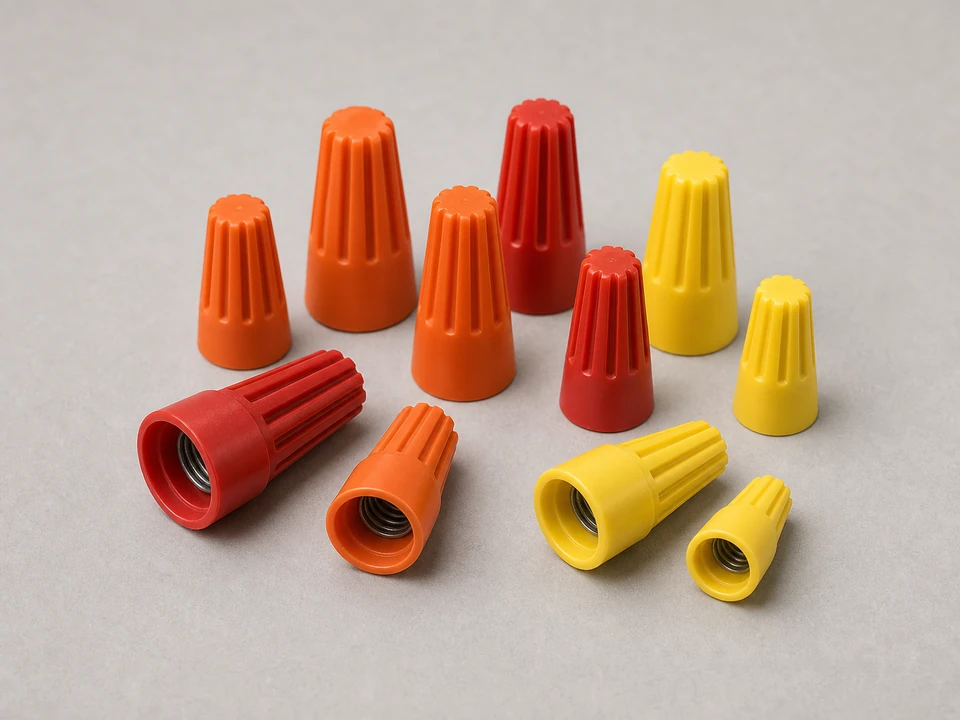
Use it for: To make secure wire connections if the new kit does not include enough connectors.
Shop wire connectorsAs an Amazon Associate I earn from qualifying purchases. Repair Riot may earn a commission at no extra cost to you.
If it works: You have a good reason to suspect the ceiling fan remote kit instead of a dead battery or switched-off power source.
If it doesn’t: If the fan has no power at all from the wall switch, troubleshoot the switch, breaker, or house wiring before replacing the remote kit.
If it works: The canopy is open, the wiring is visible, and you have confirmed the power is off.
If it doesn’t: If you cannot clearly identify the receiver or safely lower the canopy, pause and get help before forcing parts apart.
If it works: The old receiver is out and the fan wiring is free for the new kit.
If it doesn’t: If the wire colors or labels do not make sense, compare them to the new kit instructions and your photo before reconnecting anything.
If it works: The new receiver is wired in, the connections feel secure, and the canopy area is organized enough to close.
If it doesn’t: If the wire labels on the new kit do not match what is in your fan, stop and verify compatibility before restoring power.
If it works: The fan is reassembled, powered back on, and the new remote is ready to test.
If it doesn’t: If the remote does not pair, turn power back off and recheck the receiver settings, battery orientation, and wire connections.
If it works: The fan and light respond normally, the remote works consistently, and the repair holds during actual use.
If it doesn’t: If some functions still do not work, recheck kit compatibility, pairing steps, and wire connections. If the wiring is correct and the problem remains, the fan switch housing, capacitor, or light components may need diagnosis.
Match the replacement part to your exact ceiling fan before ordering.
As an Amazon Associate I earn from qualifying purchases. Repair Riot may earn a commission at no extra cost to you.
Usually yes. Remote kits are designed to work as a matched set, so replacing both parts avoids pairing and compatibility problems.
No. The replacement needs to match your fan's wiring setup, available functions, and canopy space. Check compatibility before ordering.
The most common causes are a missed pairing step, incorrect wire connections, dead remote batteries, or a kit that does not match the fan. Less often, the fan has another failed part.
Do not force it in. A pinched receiver or crushed wiring can create a hazard. Use a compatible kit with a receiver that fits your fan's canopy space.
Yes. A failed receiver can prevent normal speed commands from reaching the fan, which can leave it stuck on one speed or make some buttons stop working.