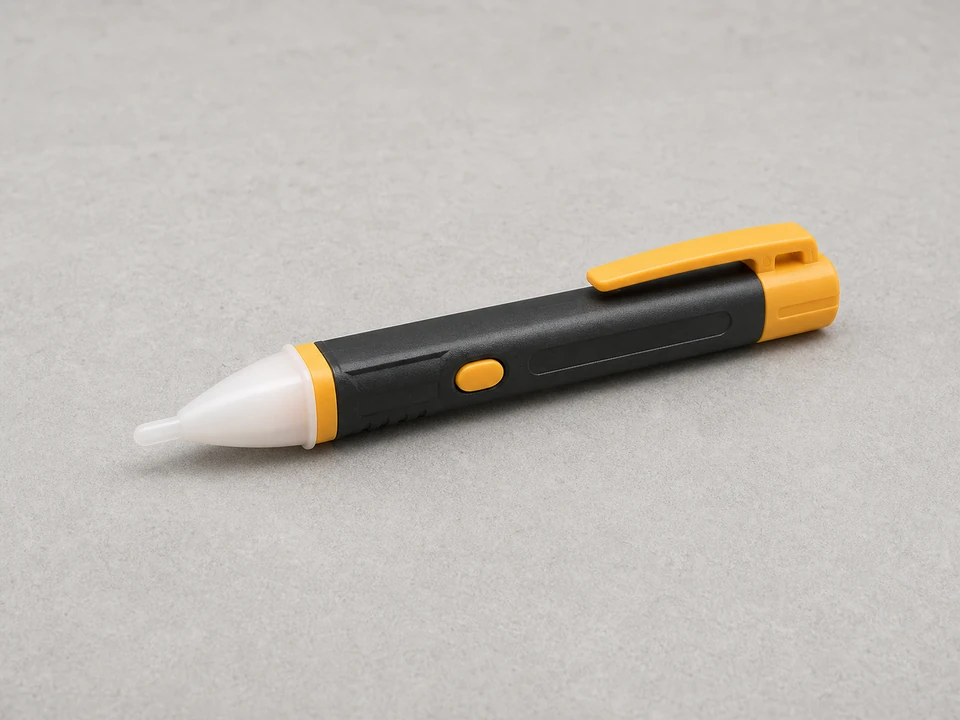
Non contact voltage tester
Use it for: To confirm power is actually off before touching fixture wiring.
Shop non-contact voltage testersTo replace a light fixture LED driver, first confirm the fixture has power and the LEDs themselves are not obviously damaged, then shut off the breaker, open the fixture, match the new driver to the old one, reconnect the wires the same way, and test the light through a normal on-off cycle.
A bad LED driver often causes flickering, dim output, buzzing, delayed startup, or a fixture that stays dark even though the switch and house wiring are fine. The job is usually straightforward, but you do need to work carefully because line-voltage wiring is involved.
Before you start: Match the replacement part to your exact light before ordering.
Use it for: To confirm power is actually off before touching fixture wiring.
Shop non-contact voltage testers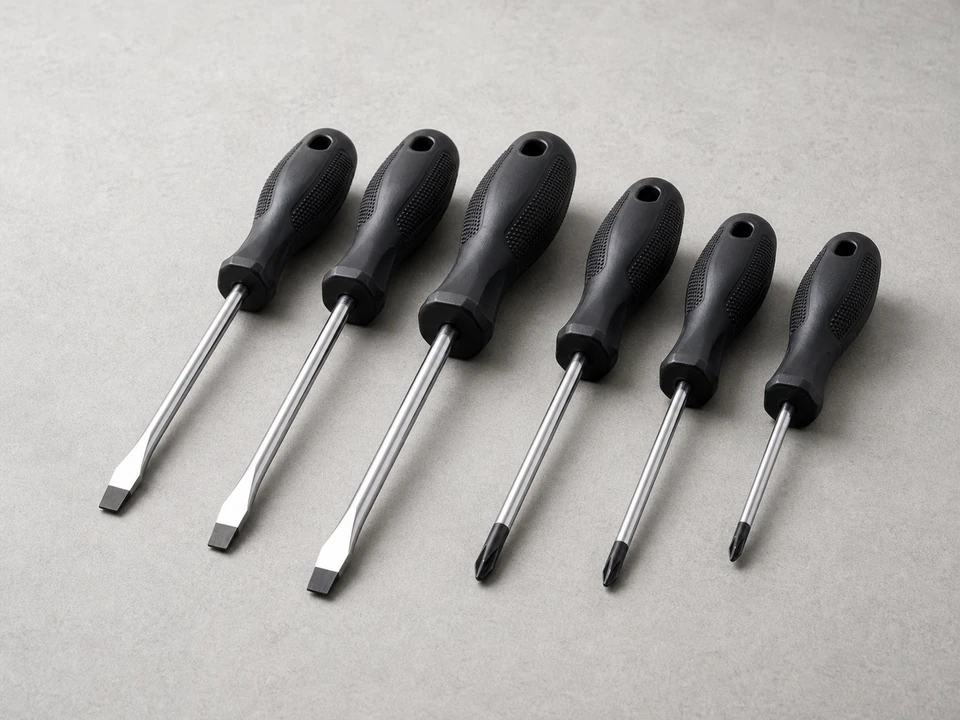
Use it for: To remove the fixture cover, driver mounting screws, and wire compartment cover.
Shop screwdriver sets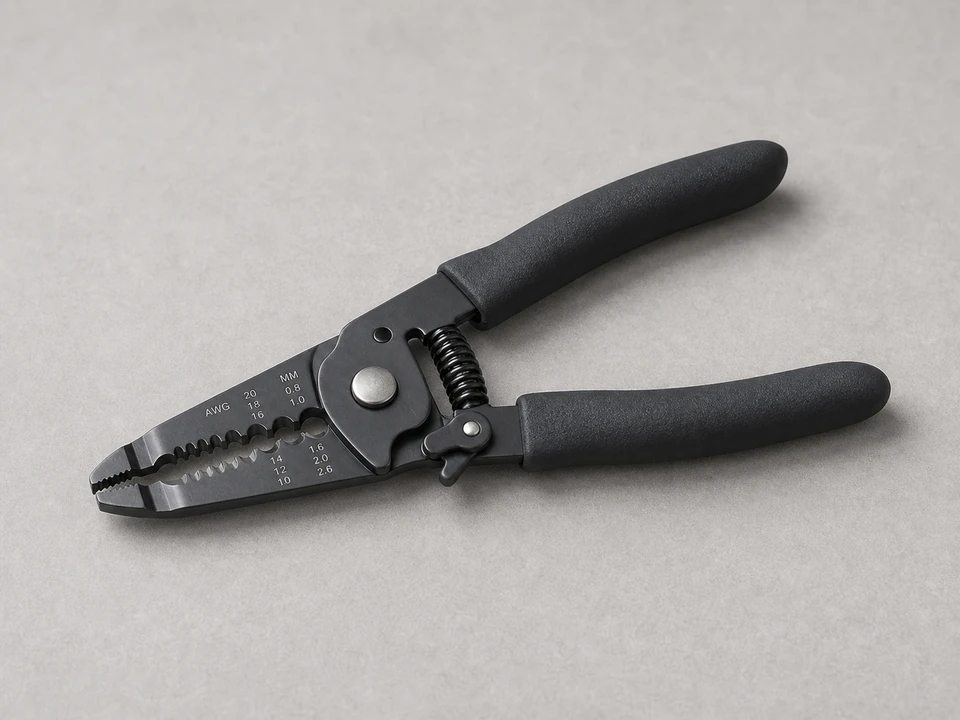
Use it for: To trim and strip wire ends cleanly if the old connections need to be remade.
Shop wire strippers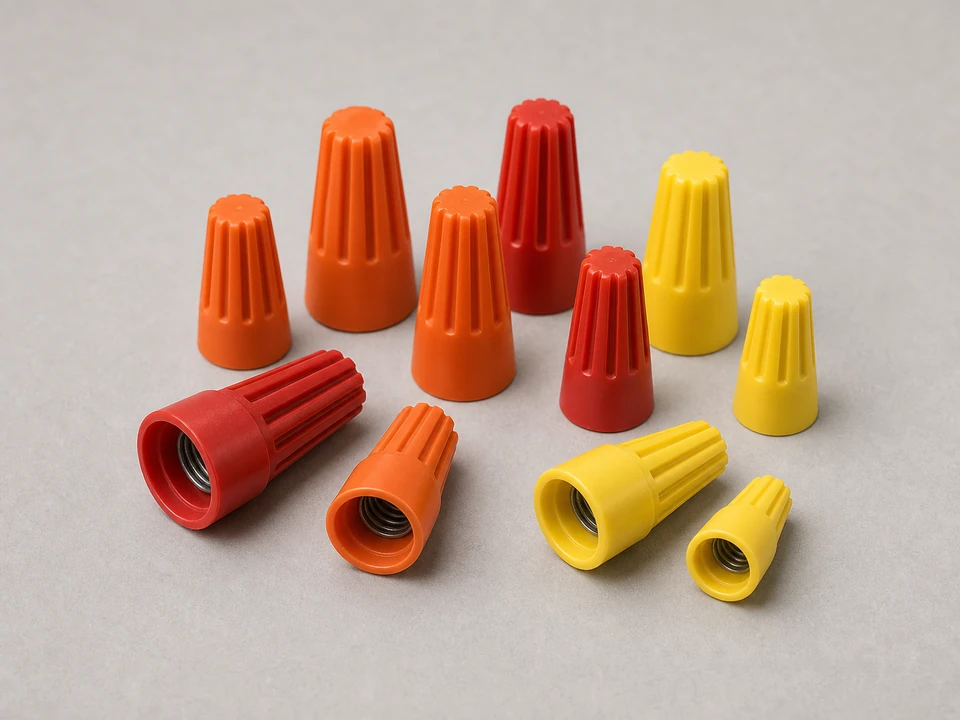
Use it for: To reconnect line and low-voltage wires securely if the old connectors are damaged or single-use.
Shop wire connectors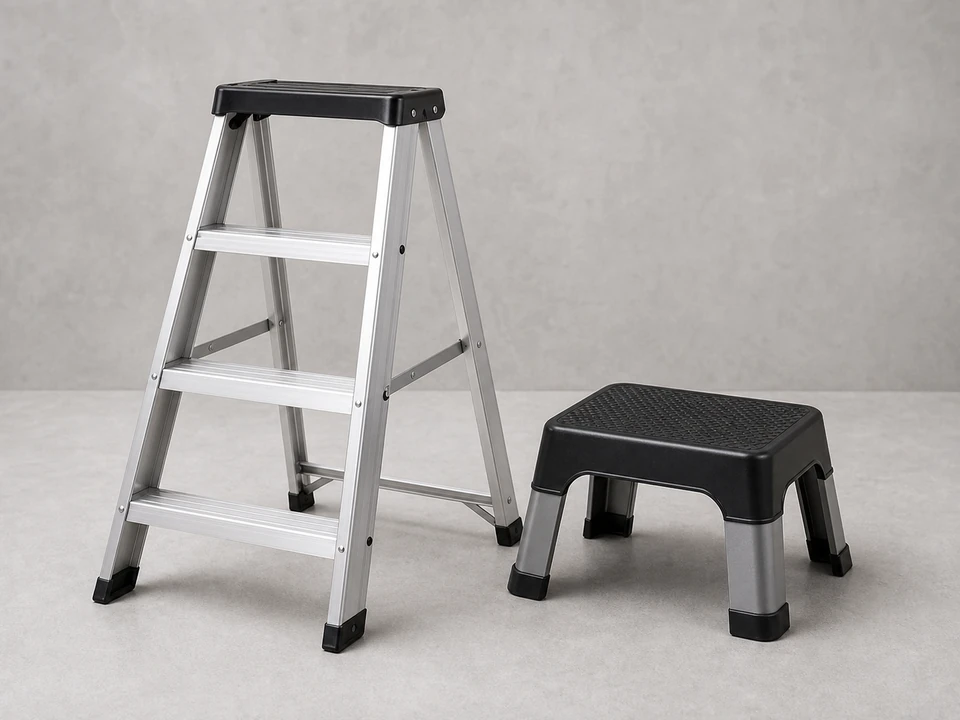
Use it for: To reach the fixture safely and keep both hands free while working.
Shop step laddersAs an Amazon Associate I earn from qualifying purchases. Repair Riot may earn a commission at no extra cost to you.
If it works: You have a reasonable reason to replace the light fixture LED driver instead of chasing a switch, breaker, or obvious LED board failure.
If it doesn’t: If the circuit has no power, the switch is loose, or the LED board is visibly damaged, solve that issue first before replacing the driver.
If it works: The fixture is open, power is off, and you can clearly see the existing driver and its wiring.
If it doesn’t: If you still read voltage at the fixture, go back to the panel and identify the correct breaker before continuing.
If it works: You have a replacement driver that matches the old one closely enough to install with confidence.
If it doesn’t: If the replacement does not match the old driver's ratings or wiring layout, pause and get the correct part before removing anything.
If it works: The failed driver is out and the fixture wiring is ready for the new part.
If it doesn’t: If the wiring is confusing, stop and compare your photos before disconnecting anything else.
If it works: The new driver is mounted securely, the wiring matches the original layout, and the fixture is reassembled enough for testing.
If it doesn’t: If a connection feels loose or the wire colors do not clearly match, reopen the compartment and compare against your photos and the driver markings.
If it works: The fixture starts normally, stays steady, and works through normal use without the original symptom returning.
If it doesn’t: If the light still flickers, stays dim, or will not turn on, recheck every connection and confirm the replacement driver matches the original ratings. If wiring and part match are correct, the LED module, dimmer, switch, or supply wiring may be the real problem.
Match the replacement part to your exact light before ordering.
As an Amazon Associate I earn from qualifying purchases. Repair Riot may earn a commission at no extra cost to you.
The driver converts incoming power into the form the LED module needs. When it fails, the light may flicker, buzz, run dim, start late, or stop working completely.
Often yes, if the fixture uses a separate replaceable driver and you can get a matching part. If the LEDs and driver are built into a sealed assembly, replacing the whole fixture may be more practical.
Match the old driver's label as closely as possible, especially its input voltage, output rating, and wiring style. Physical fit matters too, because the new driver has to mount securely inside the fixture.
The problem may be a loose connection, a mismatched driver, a failing LED module, an incompatible dimmer, or a supply wiring issue. Recheck the wiring first, then look at the other components in the circuit.
A buzzing driver is a sign the part may be failing. It is better to stop using the fixture until you inspect it, especially if the buzzing is getting worse or comes with flickering, heat, or a burnt smell.